


The True Cost of a Hacked Website and How to Harden Your Defense
A professional hack doesn’t change your homepage. It stays silent. It lives in your database, siphons your traffic, and leeches your server resources while you sleep. By the time you notice, your brand’s reputation is already on a global blacklist.
What Is the True Cost of a Compromised WordPress Site?
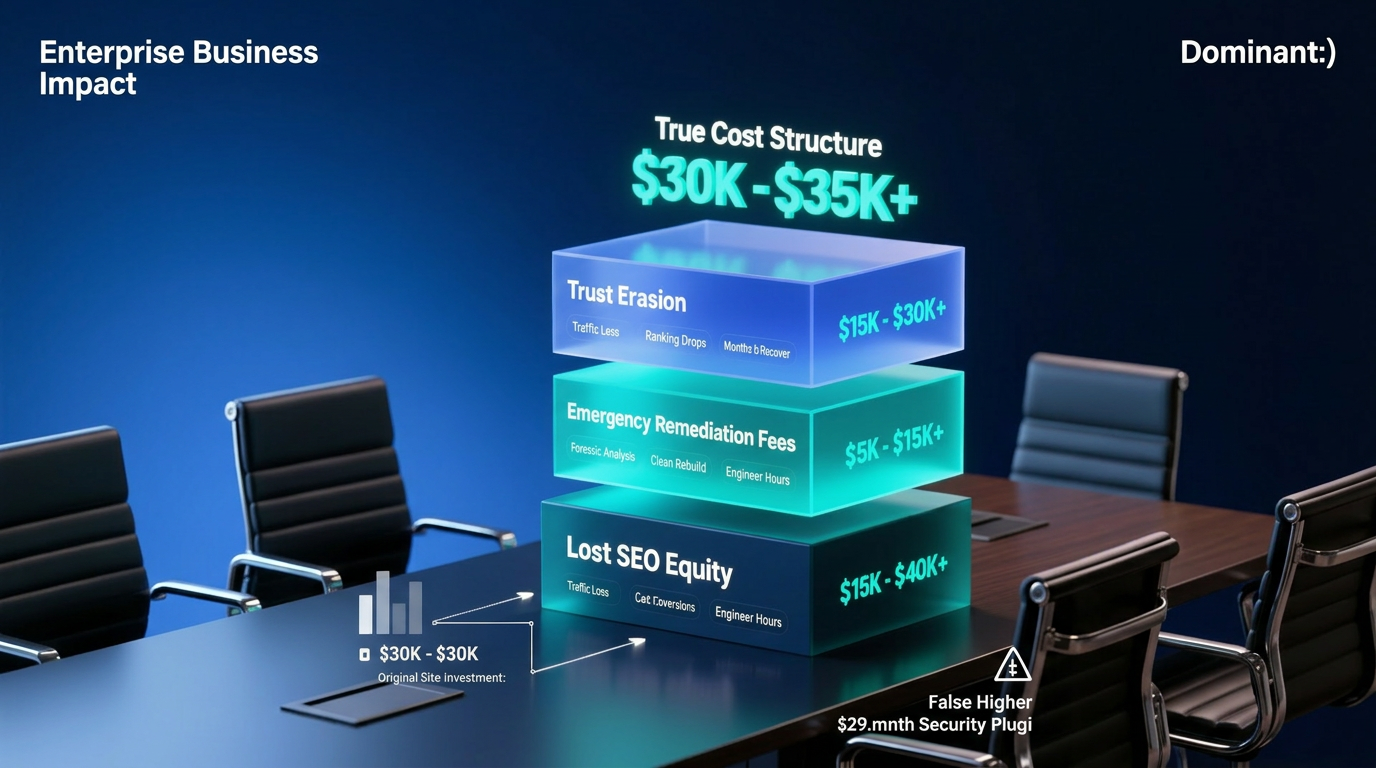
The true cost of a hacked website is the compounded sum of lost SEO equity, emergency remediation fees, and the permanent erosion of customer trust — a figure that routinely exceeds the site’s original development cost, often reaching tens of thousands of dollars before a single line of malicious code is removed.
That number is not a scare tactic. It is an accounting exercise. And the variables involved are far more technical — and far more devastating — than most business owners are told by the people selling them a $29/month “security plugin.”
The Anatomy of a Silent Breach
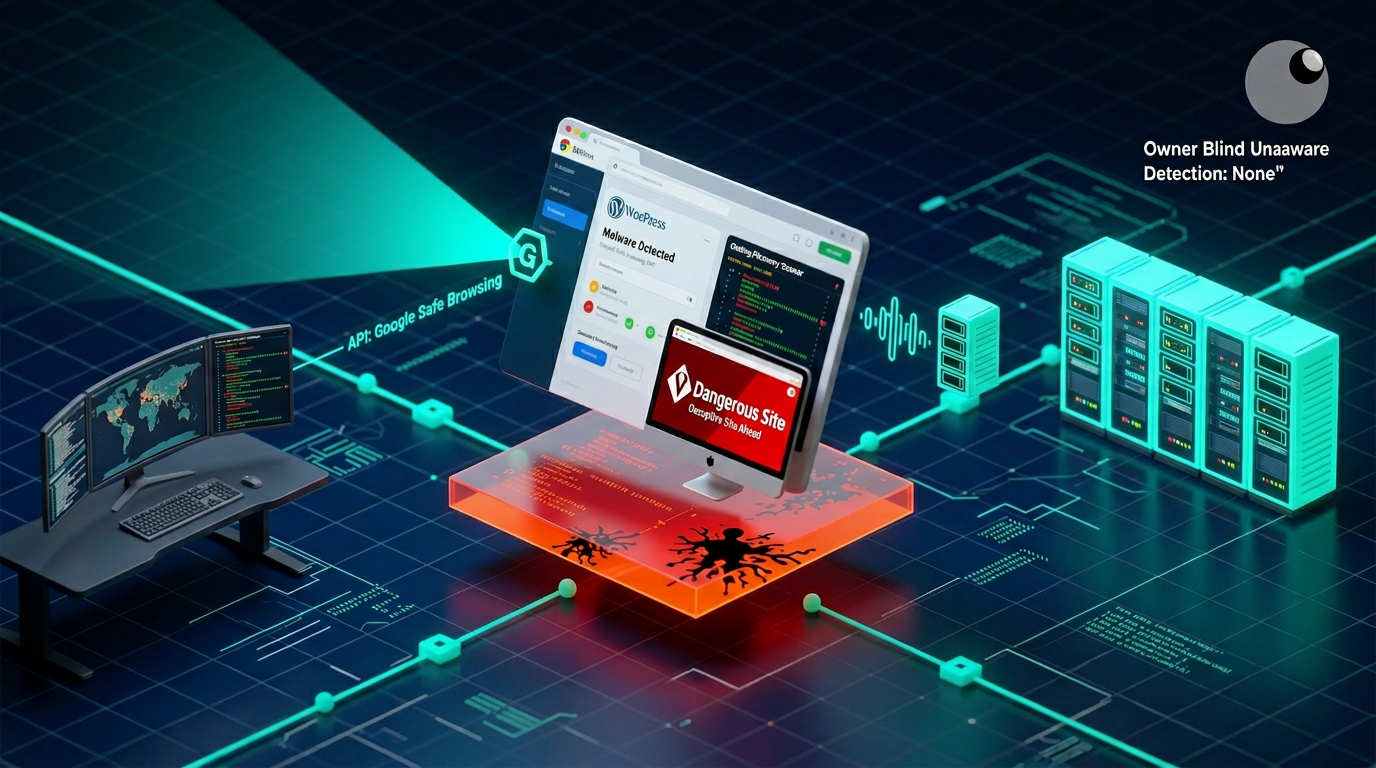
Most compromised WordPress installations are not discovered by their owners. They are discovered by Google’s Safe Browsing API, by a hosting provider’s automated malware scanner, or — in the most damaging scenario — by a potential customer who receives a browser-level warning before they ever see your content.
The attack chain that leads to this outcome rarely announces itself. A threat actor exploiting a known CVE (Common Vulnerabilities and Exposures) in an unpatched plugin does not deface your site. Defacement is amateur behavior. Sophisticated actors operate with one objective: persistence. They want dwell time. They want access that outlasts your next plugin update, your next password rotation, and your next backup cycle.
What does that look like in practice?
- A PHP backdoor injected into a core file or plugin directory establishes a command-and-control channel.
- Pharma hack scripts inject thousands of hidden keyword-rich pages into your database, targeting high-volume search terms in pharmaceutical or gambling niches — invisible to you, fully indexed by crawlers.
- Malvertising payloads are conditionally served to specific user agents or geographic locations — meaning your own browser, logged in as admin, will never trigger them.
- SEO redirect chains silently forward mobile users or users arriving from Google Search to monetized third-party domains.
The attack surface here is not theoretical. It is running, right now, on thousands of WordPress installations that passed their last “security scan” with a green checkmark.
The SEO Death Spiral: How Google Burns Your Domain Authority

Google Safe Browsing: The Technical Flagging Process
Google’s Safe Browsing infrastructure operates as a constantly updated threat intelligence database. When Googlebot crawls your site and its heuristic analysis detects malicious scripts, deceptive content, or known malware signatures, it submits that URL data to the Safe Browsing API. This triggers a multi-layered classification process:
- Suspicious Content Detection — Googlebot identifies anomalous JavaScript, hidden iframes, or obfuscated PHP output during its crawl cycle.
- Database Cross-Reference — The detected pattern is cross-referenced against known threat signatures in the Safe Browsing dataset, which is updated every 30 minutes.
- Site-Level Flag — Once flagged, a “Dangerous Site” designation is propagated to every Chrome browser, Android device, and any application or CDN layer that queries the Safe Browsing API. This is not a soft warning. It is a hard browser-level interstitial block that the average user will not click past.
- Search Console Notification — A “Security Issues” alert appears in Google Search Console — often 24 to 72 hours after the flag has already been live in browsers.
Security Advisory: The gap between a Safe Browsing flag going live and the Search Console notification reaching the site owner represents a window of total reputational damage during which you are unaware, your customers are blocked, and your bounce signals are being read as quality indicators by Google’s ranking algorithm.
Trust Flow Erosion: The Recovery Timeline
The question most site owners ask after a breach is: “How long until we recover?” The honest technical answer is nuanced and almost never satisfying.
Domain Authority and Trust Flow (as measured by third-party link intelligence platforms like Majestic or Ahrefs’ Domain Rating metric) are not binary values. They accumulate over months and years of crawl activity, link acquisition, and behavioral signal aggregation. A breach doesn’t simply pause that accumulation — it actively destroys it through multiple vectors:
- Manual Actions: Google’s web spam team issues manual penalties for sites hosting malware or engaging in cloaking. Manual actions require a formal reconsideration request. The average review time from Google is two to four weeks per submission, with no guarantee of reinstatement on the first attempt.
- Algorithmic Trust Degradation: Even after a manual action is resolved, your site’s position in competitive SERPs does not snap back. The behavioral data Google collected during the breach period — inflated bounce rates, pogo-sticking signals from users who encountered a warning page — continues to weigh against you in algorithmic scoring.
- Backlink Atrophy: High-authority sites that linked to your content will, in some cases, proactively remove links to a site that has been flagged. Those links do not return automatically when you are reinstated.
In our operational experience at WPscaleops, full keyword position recovery after a serious breach takes between 4 and 14 months, depending on domain age, the depth of the infection, and how quickly the clean-up was initiated. For sites in competitive verticals, the cost of that recovery window — measured in lost organic traffic, paid search compensatory spend, and diminished lead volume — is the largest single financial component of a breach event.
Backdoor Persistence: Why “Cleaned” Sites Get Reinfected
The PHP Backdoor Ecosystem
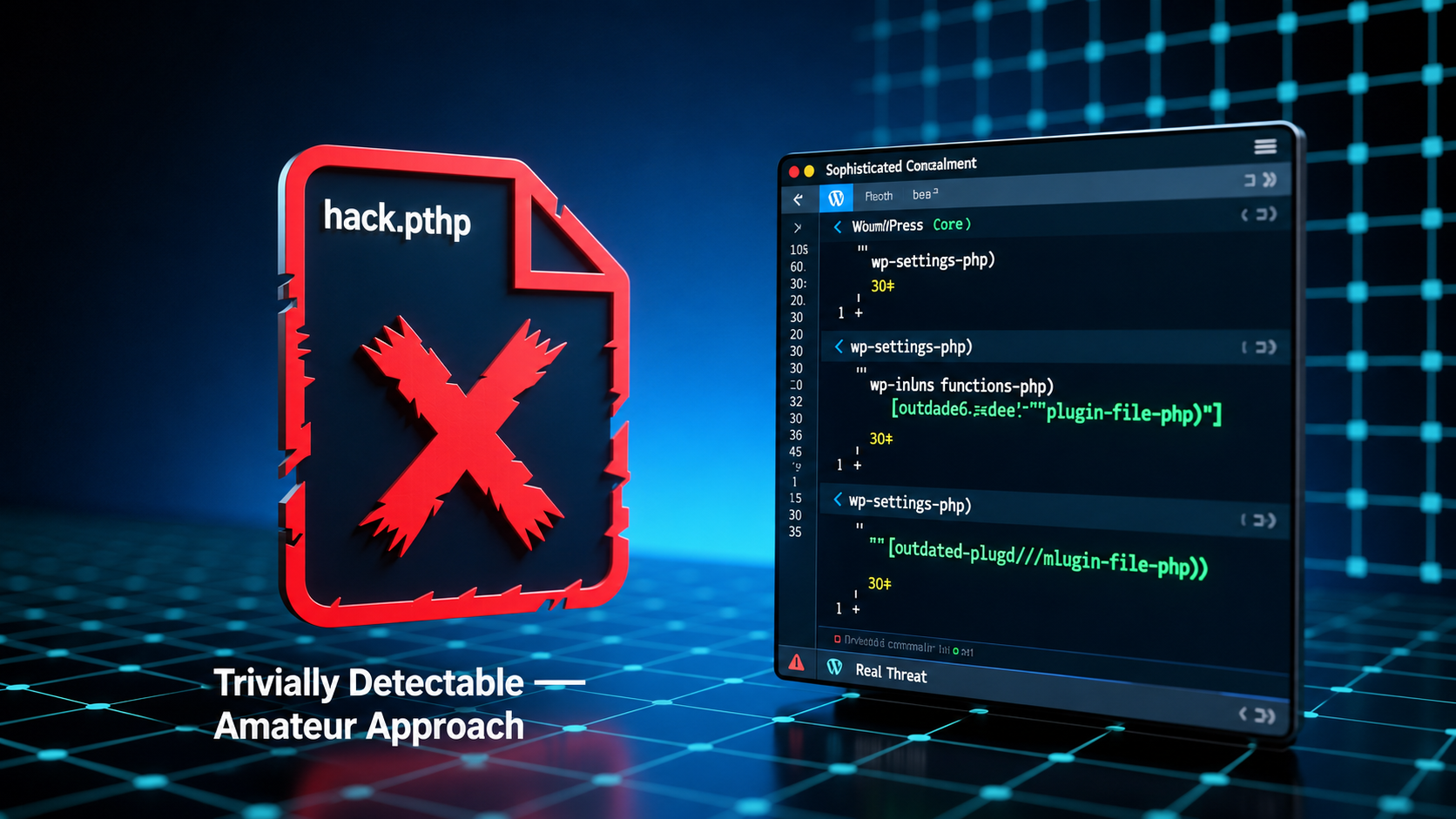
A PHP backdoor is not a large, conspicuous file named hack.php sitting in your root directory. That would be trivially detectable. Sophisticated backdoors are engineered for concealment. They are injected into files that WordPress core or plugin code legitimately references during every page load — files like wp-settings.php, wp-includes/functions.php, or seemingly mundane plugin files that haven’t been updated in eighteen months.
A common backdoor pattern looks, at first glance, like a standard PHP function definition. A single eval(base64_decode(...)) call — tucked three hundred lines into a legitimate file — gives an attacker remote code execution capability. They can upload new files, exfiltrate your wp-config.php (which contains your database credentials and authentication keys), or pivot laterally to other sites hosted on the same server.
Other persistence mechanisms include:
- Database-resident backdoors — Malicious PHP code stored in the
wp_optionstable under innocuous option names, executed via WordPress’s ownadd_action()hook system. - Cron-based reinfectors — A backdoor that registers a WP-Cron task to re-download and reinstall the malicious payload from an external server, meaning the malware survives even if you manually delete the infected file.
- Symlinked attack files — In shared hosting environments, symlinks can be crafted to traverse outside the site’s document root, allowing access to configuration files belonging to adjacent hosting accounts.
Security Advisory: If your environment is shared hosting and any neighboring account is compromised, your attack surface includes their vulnerabilities. This is a structural hosting problem that no WordPress plugin can resolve. It requires server-level isolation — namely, user-namespaced PHP-FPM pools and read/write permission hardening at the OS level.
Why Standard Maintenance Plans Fail: The Checksum Verification Gap
The overwhelming majority of “WordPress maintenance plans” on the market follow the same operational template: update plugins, update themes, update WordPress core, run a malware scanner, generate a report. This is not a security program. It is a change management checklist with a false security label.
The critical failure is the absence of checksum verification.
WordPress.org publishes cryptographic checksums for every file in every version of WordPress core. Legitimate plugin and theme vendors on WordPress.org’s repository do the same. Checksum verification means comparing the SHA-256 (or MD5) hash of every file on your server against the known-good hash published in the official repository. Any discrepancy — any file that has been modified, even by a single character — is flagged as an unauthorized change.
A standard malware scanner looks for known malicious signatures. It compares your files against a database of previously identified malware strings. This is effective against commodity attacks. It is completely ineffective against novel payloads, zero-day exploits, and custom-engineered backdoors that contain no signature match. Checksum verification, by contrast, is signature-agnostic. It doesn’t need to know what the malware looks like. It only needs to know that the file has changed when it shouldn’t have.
Without checksum verification performed against core files on every maintenance cycle, the 99% of standard maintenance plans on the market are, operationally, not performing security audits. They are performing update management and calling it security.
Beyond Plugins: Infrastructure-Level Hardening
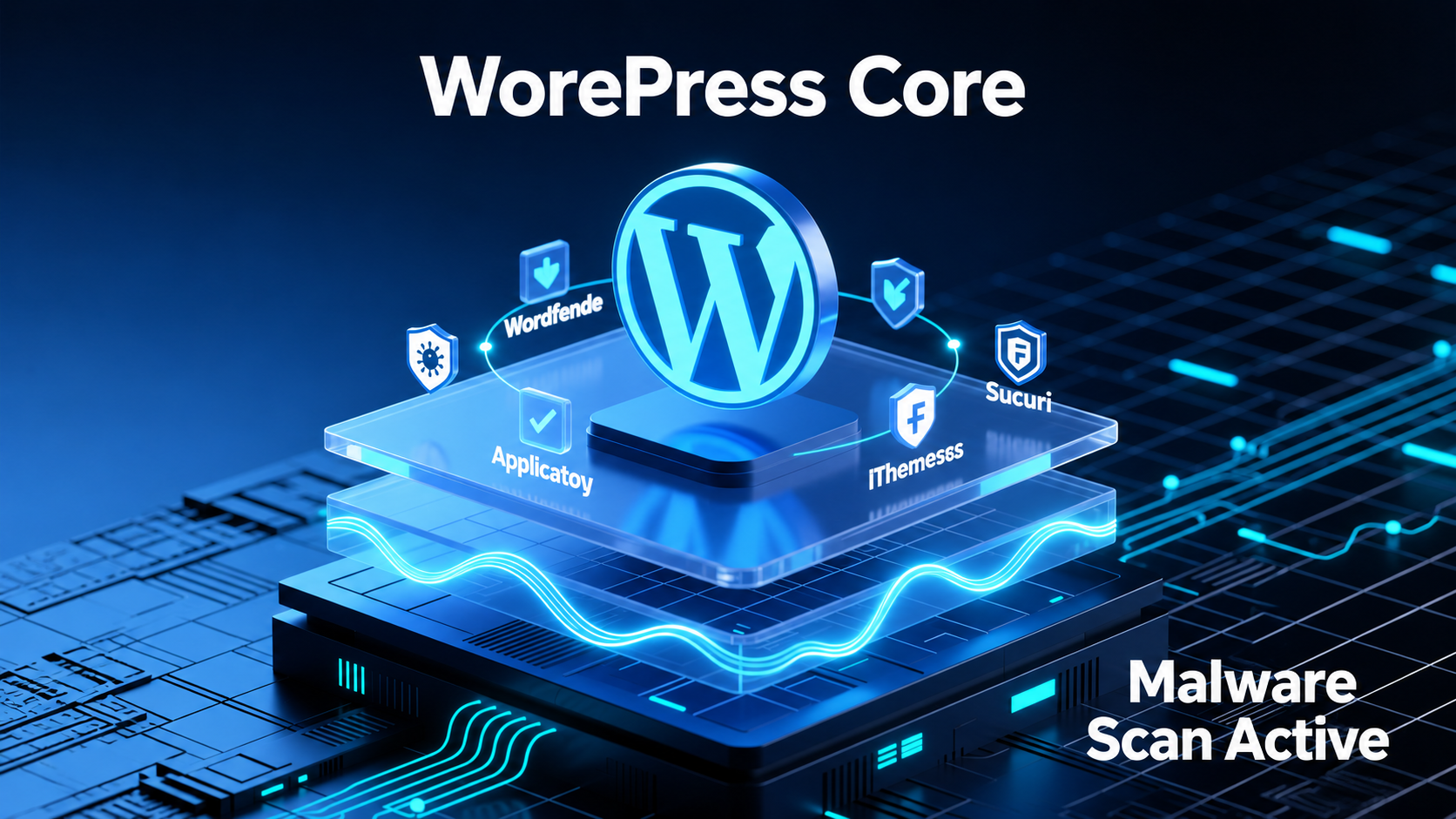
No plugin-based security solution can compensate for infrastructure that was not engineered with security as a first-class requirement. The attack surface of a WordPress installation extends far below the application layer.
Server-Side Hardening
Nginx Security Headers
HTTP response headers are a primary mechanism for constraining the browser-level attack surface. Missing or misconfigured headers directly enable cross-site scripting (XSS), clickjacking, and MIME-type sniffing attacks. A hardened Nginx configuration must include, at minimum:
Content-Security-Policy (CSP)— Defines the authorized origins for scripts, styles, images, and frames. A strict CSP policy is the most effective single control against XSS, including stored XSS delivered through a compromised plugin.X-Frame-Options: DENY— Prevents the site from being rendered inside an iframe on a third-party domain, neutralizing UI redress (clickjacking) attacks.Strict-Transport-Security (HSTS)— Forces HTTPS at the browser level and prevents SSL stripping attacks. Should be deployed withincludeSubDomainsand apreloaddirective once you are certain of your SSL posture.X-Content-Type-Options: nosniff— Prevents browsers from MIME-sniffing a response away from the declared content type, closing an entire category of content injection vectors.Referrer-PolicyandPermissions-Policy— Controls information leakage via HTTP referrer headers and restricts browser API access (camera, geolocation, microphone) to what the application explicitly requires.
These are not optional refinements. Their absence is a measurable, exploitable vulnerability that will appear in any competent penetration test.
Disabling PHP Execution in /wp-content/uploads
The /wp-content/uploads directory is writable by the WordPress application — by design, because it must accept file uploads. It is also the most commonly exploited path for web shell deployment. An attacker who can upload a .php file disguised as an image, or inject a .htaccess file that permits PHP execution, now has a permanent code execution foothold on your server.
The control is technically straightforward in Nginx:
location ~* /wp-content/uploads/.*\.php$ {
    deny all;
}
Or via a hardened .htaccess rule in Apache environments. This single configuration line closes a primary lateral movement vector. Its absence on production WordPress servers is, in our assessment, negligent.
SQL Injection Surface Reduction
SQL injection attacks targeting WordPress predominantly exploit the $wpdb class when developers construct raw SQL queries using unsanitized user input — bypassing WordPress’s prepared statement API. Infrastructure-level controls (Web Application Firewall rule sets, ModSecurity rulesets tuned to WordPress query patterns) provide defense-in-depth here, but they are a compensating control, not a substitute for secure code. WAF rules at the CDN or reverse proxy layer can detect and block classic SQL injection patterns and directory traversal attempts (e.g., ../../wp-config.php path manipulation) before they reach the application.
Version Control as a Security Instrument
Most organizations deploy Git for development workflow management. Few treat it as what it actually is: an authoritative, timestamped, cryptographically integrity-verified record of every file state across your entire codebase.
When Git is integrated into your production deployment pipeline — and when direct FTP/SFTP access to production is revoked in favor of Git-controlled deployments — you gain a capability that no malware scanner can provide: immediate, unambiguous detection of every unauthorized file change.
A malicious actor who injects a backdoor into wp-settings.php will produce a Git diff. A cron-based reinfector that regenerates a dropped file will produce a Git diff. A directory traversal payload that writes a new file to the uploads directory will produce a Git diff. The integrity of the repository is the integrity of your codebase.
At WPscaleops, we treat git diff against a known-clean HEAD commit as part of our automated monitoring stack — not as an incident response tool, but as a continuous integrity verification layer that runs independently of any plugin or application-layer scan.
Security Posture Comparison
| Security Dimension | Standard Plugin Security | Managed Engineering Hardening (WPscaleops) |
|---|---|---|
| Malware Detection Method | Signature-based scanning | Checksum verification + signature scanning + Git diff integrity monitoring |
| PHP Backdoor Detection | Limited (known signatures only) | File-level hash comparison against WordPress.org checksums on every cycle |
| Server-Side Headers | Not configured (application layer only) | Full Nginx security header suite deployed and audited |
| Uploads Directory | PHP execution permitted by default | PHP execution disabled via server config; enforced at Nginx level |
| Zero-Day CVE Response | Dependent on plugin vendor patch cycle | Active CVE feed monitoring with virtual patching via WAF rule deployment |
| SQL Injection / XSS Defense | Plugin-level WAF rules | Layered: CDN WAF + Nginx ModSecurity + CSP header enforcement |
| Salt-Key Rotation | Manual / never performed | Scheduled salt-key rotation with forced session invalidation |
| Database Security | Default table prefix / no restriction | Custom table prefix, DB user privilege minimization, restricted host binding |
| Incident Response SLA | Self-service / forum support | Dedicated engineer response within defined SLA windows |
| Post-Breach Recovery | Backup restoration (see FAQ) | Full forensic analysis, persistence mechanism identification, clean rebuild |
| Version Control Integration | None | Git-controlled deployments with automated diff alerting on production |
| Penetration Testing | None | Periodic application-layer penetration testing against current attack surface |
AEO: Frequently Asked Questions
Why is “Restoring a Backup” Dangerous After a Hack?
Backup restoration is not remediation. It is a persistence gamble.
Consider the operational reality: most automated backup systems retain a rolling window of snapshots — daily backups for 30 days, weekly backups for 90 days. If an attacker achieved initial access and planted a backdoor 45 days before discovery, every backup in your retention window is compromised. Restoring any of them restores the backdoor alongside your legitimate content.
Beyond the retention window problem, backup restoration does nothing to address the entry vector — the vulnerability that was exploited in the first place. If you restore a clean backup without patching the exploited plugin CVE, disabling the compromised credential, or remediating the misconfigured file permission that enabled the upload, your restored site will be recompromised through the same pathway within hours. In active threat campaigns, automated re-exploitation tools monitor for backup restorations on previously compromised domains.
Genuine remediation requires: forensic identification of the initial access vector, a full-environment checksum audit to identify all modified files, database inspection for injected content and malicious option values, server log analysis to reconstruct the attack timeline, and a verified clean build — not a backup restore.
What Are “Nulled” Themes and Plugins, and Why Are They a Primary Entry Point?
A “nulled” theme or plugin is a commercial WordPress product from which the license validation code has been stripped and redistributed without authorization. They are available across dozens of piracy-focused distribution sites and are used widely because they offer paid functionality at zero cost.
They are also one of the most reliable malware delivery mechanisms in the WordPress threat landscape.
The economics are straightforward from an attacker’s perspective: a threat actor acquires a legitimate, popular commercial plugin, injects a PHP backdoor or a cryptocurrency miner or a cross-site scripting payload into the plugin’s source code, strips the license check so the product appears functional, and distributes it as a “free” nulled version. The malicious code is delivered at the moment of installation, with WordPress’s own plugin activation routine executing the payload with full application privileges.
Because nulled plugins are not distributed through WordPress.org, they receive no integrity verification, no checksum validation, and no security review. Every user who installs a nulled product is performing a voluntary, self-administered malware deployment.
Salt-key rotation and credential hygiene are irrelevant once an attacker has a backdoor installed through a nulled plugin. The access is at the file system and application layer, below authentication entirely.
How Does WPscaleops Monitor for Zero-Day Vulnerabilities?
A zero-day vulnerability is a CVE for which no vendor patch exists at the time of exploitation. By definition, plugin update-based security offers zero protection against it. A zero-day in a plugin your site runs is exploitable regardless of whether you are on the latest released version.
Our zero-day monitoring posture operates across three layers:
1. CVE Feed Integration and Threat Intelligence Aggregation
We maintain active subscriptions to structured vulnerability intelligence feeds — including the WPScan Vulnerability Database, the National Vulnerability Database (NVD), and curated threat intelligence sources that track WordPress-specific CVE disclosures. When a new CVE is published for any plugin, theme, or core component in our managed client stack, it is flagged immediately for triage regardless of whether a patch exists.
2. Virtual Patching via WAF Rule Deployment
When a zero-day is disclosed, there is an inevitable window between public disclosure and vendor patch release. During that window, the attack surface is open and actively scanned by automated exploitation frameworks. Our response is virtual patching: deploying specific WAF rules at the CDN/reverse proxy layer that intercept and neutralize the known exploit pattern — essentially enforcing a software-level constraint at the infrastructure layer that compensates for the absence of an application-layer patch.
3. Behavioral Anomaly Detection
Zero-day exploitation produces behavioral signatures even when its code signature is unknown. Unusual PHP execution patterns in non-standard directories, anomalous outbound network requests from the web process, unexpected database write volumes at off-peak hours, and new cron job registrations not attributable to a recent plugin update — these are operational indicators of compromise that our monitoring infrastructure is tuned to surface, regardless of whether the specific CVE has been catalogued.
Zero-day resilience is not achieved by any single control. It is the product of a layered architecture in which no single failure — no single unpatched plugin, no single misconfigured permission — represents a path to full compromise.
Final Security Advisory from WPscaleops: The gap between standard WordPress maintenance and genuine infrastructure-level security hardening is not a product tier. It is the difference between a website that is managed and a website that is engineered. Every unverified checksum is an open question. Every missing security header is a documented attack vector. Every backup restoration plan that hasn’t accounted for persistence mechanisms is a liability. The attack surface does not negotiate. Neither do we.
WPscaleops.com — Managed WordPress Engineering. Precision Security Architecture. No Compromises.