API Integration Services: How to Streamline Your WordPress Workflow
Your WordPress site runs on plugins, but every third-party tool you bolt on adds weight, slows down your pages, and creates security gaps. The real fix isn’t another plugin—it’s API integration services that connect your existing tools directly to your site’s core. In this guide, you’ll learn how to identify integration opportunities, choose between off-the-shelf connectors and custom plugin development, and build a workflow that eliminates manual data entry and keeps your site fast and secure.
Why Your WordPress Workflow Is Stuck in Manual Mode
What Does a Typical Disconnected Workflow Look Like?
Your team logs into five different dashboards before lunch. A new customer signs up, and someone copies their details from the CRM into the email platform, then re-enters the same information into the e-commerce backend. Order updates get typed by hand. Customer records drift out of sync between systems. Nobody notices until a support ticket exposes the mismatch.
How Do Manual Processes Slow Down Your Team and Your Site?
Thirty minutes a day of manual syncing sounds harmless. It isn’t. That’s over 180 hours a year spent on work software should handle. Those hours don’t just vanish—they come out of strategy, content, and growth. And every manual step usually means another plugin installed to bridge the gap. Plugin bloat drags down load times and widens your attack surface. The tools meant to help you end up hurting your site’s performance.
What Are the Hidden Costs of Copy-Pasting Data Between Tools?
Typos happen. Fields get skipped. A customer record updated in one system stays stale in another. Each error compounds: a wrong shipping address, a missed subscription renewal, a follow-up email sent to the wrong contact. The result is lost revenue and customers who lose trust in your brand. These aren’t edge cases—they’re the predictable outcome of relying on human hands for machine work.
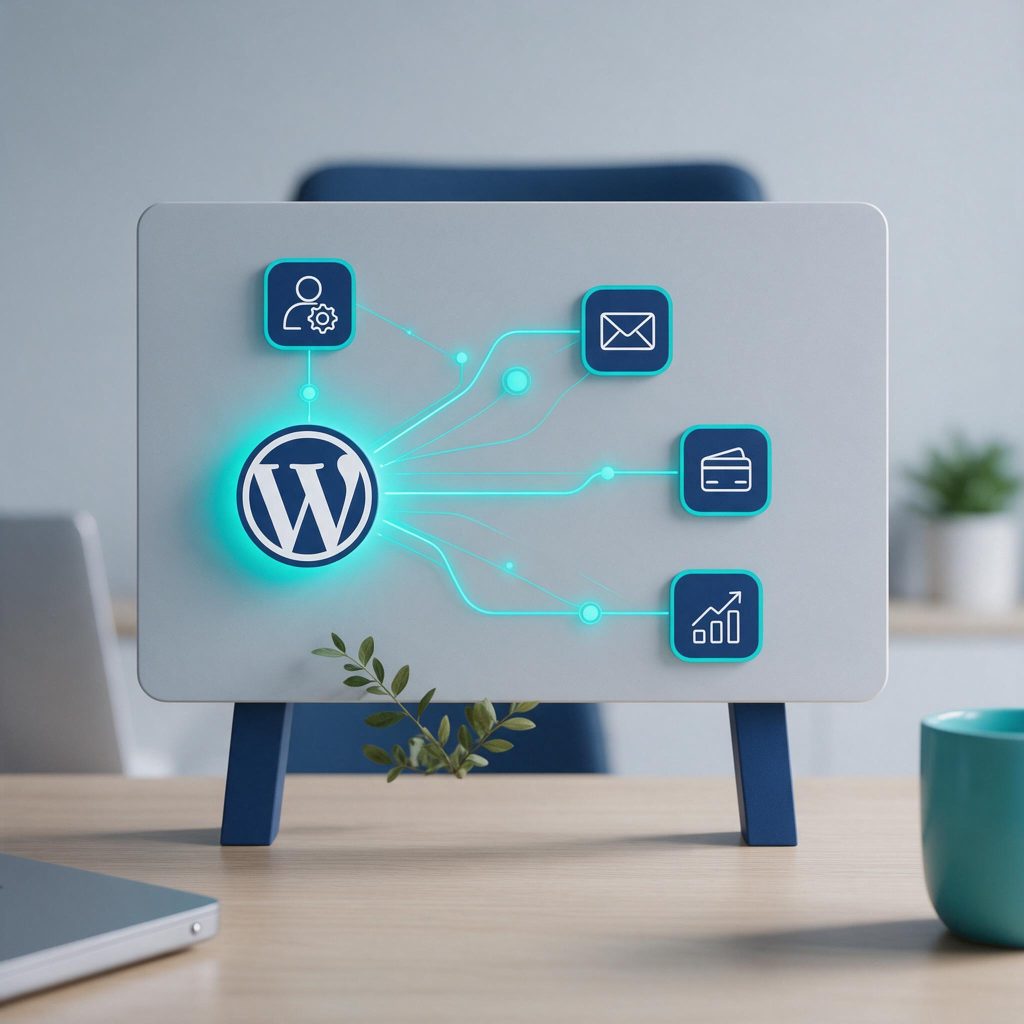
API integration services solve this directly. Instead of adding another plugin, you connect your CRM, email platform, and e-commerce tools straight to your WordPress core. Data moves automatically. Records stay consistent. Your team stops being data entry clerks and starts doing the work that actually grows the business. Custom plugin development takes this further, building connectors tailored to your exact stack rather than forcing your workflow into a generic template.
What Are API Integration Services and How Do They Work?
What Exactly Is an API in the Context of WordPress?
An API—Application Programming Interface—is a set of rules that lets different software applications talk to each other, sharing data and triggering actions. Think of it as a waiter: your WordPress site places an order, the API delivers it to another system, and brings back the response. No manual copying, no CSV exports, no human error.
WordPress ships with a built-in REST API. That means external apps can read, create, update, and delete your site’s content, users, and settings programmatically. Your WordPress dashboard isn’t the only door anymore—any authorized system can interact with your site directly.
How Do REST APIs and Webhooks Differ?
REST APIs are pull-based. Your site asks for data when it’s ready—like checking your email on demand. Webhooks are push-based. They send data the moment an event happens, like a text message alert when your package ships.
Use REST APIs when you need to sync data on a schedule or fetch specific records. Use webhooks when real-time action matters—a new Stripe payment triggers an invoice in your accounting software instantly. Both have their place, and solid API integration services know exactly when to deploy each.
What Can You Connect With API Integration Services?
- CRM sync: Salesforce, HubSpot—contacts and deals stay current without manual entry.
- Email marketing: Mailchimp, ActiveCampaign—new subscribers land in the right audience automatically.
- Payment gateways: Stripe, PayPal—transactions update your order records in real time.
- E-commerce: Shopify, WooCommerce—inventory and orders stay consistent across platforms.
- Project management: Asana, Trello—new form submissions become trackable tasks.
API integration services handle the heavy lifting—authentication, error handling, data mapping—so you don’t need an in-house developer. Custom plugin development takes it further, building connectors tailored to your exact stack instead of forcing your workflow into a generic template. The result: your tools finally work as one system, not a collection of disconnected islands.

API Integration Services: How to Streamline Your WordPress Workflow
When Does a Plugin Fall Short?
Plugins handle simple, standard connections well. They fail when your workflow is unique or your data model gets complex. A plugin that syncs form entries to a CRM works fine—until you need to map custom fields, transform data before it lands, or trigger actions based on conditions the plugin never anticipated. At that point, you’re fighting the plugin’s limitations instead of doing your work.
What Are the Signs You Need Custom Plugin Development?
Watch for these warning signs:
- Plugin conflicts: Two plugins fight over the same database table or API endpoint, and your site throws errors you can’t trace.
- Limited customization: The plugin’s settings panel only goes so far, and your workflow requires logic the developer never built in.
- Third-party dependency: Your data routes through the plugin maker’s servers, which means their downtime becomes your downtime.
- Subscription creep: Per-site licenses and premium tiers stack up fast—you’re paying hundreds per year for features you barely use.
When you see these signs, custom plugin development gives you full control over data flow, security, and performance. No bloat, no unnecessary features—just the integration your workflow actually needs.
How Do You Choose Between Off-the-Shelf and Custom Integrations?
Use this framework: choose off-the-shelf when your needs are basic and static—a contact form that pushes to a newsletter list, for instance. Choose custom when you need deep data transformation, real-time sync, or integration with proprietary systems that no public plugin supports.
Custom plugins also come with a security advantage. They have a smaller attack surface because there’s no public codebase for attackers to probe, and they’re maintained by developers who understand your specific architecture. That’s a level of protection no generic plugin can match.
How to Map Your Workflow and Identify Integration Opportunities
What Questions Should You Ask About Your Current Processes?
Start with a practical audit. List every tool your team touches in a week—email, CRM, accounting software, project management, marketing platforms. Note where data enters each system and where it exits. Flag every step that requires manual copying or re-typing. That’s your friction map.
Ask pointed questions: Who re-enters data and how often? Which errors keep showing up? What happens when someone forgets to update a record? Which reports require assembling data from three different places? The answers reveal your real bottlenecks.
How Do You Prioritize Which Integrations to Build First?
Score each opportunity by three factors: time saved, error reduction, and revenue impact. A lead syncing from your WordPress forms to your CRM touches all three. An inventory sync that runs nightly saves hours but doesn’t directly close deals. Build the high-impact ones first.
Custom plugin development makes sense when no off-the-shelf connector fits your exact flow. If you need data transformed, filtered, or routed to proprietary systems, a custom integration beats forcing a generic plugin to work.
What Does a Streamlined Workflow Look Like in Practice?
Picture a WooCommerce store. A customer places an order. Without manual intervention, that order syncs to QuickBooks for accounting, updates the customer record in your CRM, and triggers a thank-you email sequence. No one re-keys a thing.
This eliminates data silos. Your sales team sees the same up-to-date information as your finance team, and everyone works from one source of truth. The goal isn’t automating everything—it’s removing the most painful bottlenecks first. Start with one integration that saves real hours, prove the value, then expand from there.

Security and Performance Considerations for API Integrations
How Do You Keep Your Data Safe When Connecting Third-Party Tools?
Authentication is your first line of defense. API keys work for simple read-only connections, but OAuth 2.0 gives you finer control—it lets you grant specific permissions without exposing the full account. Always route traffic through HTTPS so credentials and payloads stay encrypted in transit.
Hardcoding credentials into your theme or plugin files is a mistake that surfaces eventually. When you push code to a repository or move servers, those keys travel with it. Use environment variables or a secure vault instead. This keeps secrets out of version control and limits exposure if a file gets compromised.
What Are the Performance Risks of Poorly Coded Integrations?
A badly built integration can drag your whole site down. If it makes synchronous requests on every page load, visitors wait for the external API to respond before your page renders. That adds latency and hurts your Core Web Vitals. The fix is asynchronous processing—queue the work in the background so the page returns instantly while data syncs on its own schedule.
Caching also matters. If you’re pulling data that doesn’t change every second, store the response and refresh it on a timer. This cuts down on request volume and keeps your database from becoming a bottleneck.
How Often Should You Review Your Integrations?
Quarterly audits keep things honest. Go through every active connection, check whether you still use the tool, and remove anything that’s not earning its keep. Deprecated APIs are another risk—third-party providers change their endpoints without warning, and an outdated integration breaks silently. Regular reviews catch these issues before they cost you uptime.
This is where proactive maintenance pays off. We don’t just build integrations and walk away—we monitor them to ensure they keep working as your site evolves. That’s the difference between a workflow that hums and one that fails at the worst possible moment.
How WPSCALEOPS Can Handle Your API Integration and Custom Plugin Needs
What Makes WPSCALEOPS Different From a Typical WordPress Agency?
Most agencies build on the same off-the-shelf themes and plugins anyone can install. That approach works until your business needs something specific. WPSCALEOPS specializes in custom-built WordPress solutions. We write code for your workflow, not the other way around. When standard plugins force you to change how you operate, that’s a sign they’re not the right fit. We step in where generic solutions stop—handling the complex logic that standard developers can’t. Your site stays fast and functional even when traffic spikes, because we build with performance in mind from the first line of code.
What Does the Custom Plugin Development Process Look Like?
The process starts with an initial consultation. We map your workflow, identify the manual tasks eating your team’s time, and pinpoint which tools need to talk to each other. From there, we plan the architecture—deciding how data flows between systems and where caching or queuing makes sense. Development uses clean, scalable code that follows WordPress standards. We test rigorously across environments to catch edge cases before they reach your users. After launch, ongoing maintenance keeps everything current. We monitor integrations for API changes, update code when third-party endpoints shift, and make sure nothing breaks silently.
How Do You Get Started With API Integration Services?
Getting started is straightforward. You schedule a free consultation, and we talk through your current setup and pain points. We’ll identify quick wins and map a realistic integration roadmap. From there, we handle the heavy lifting—development, testing, deployment, and monitoring. Our proactive approach includes 24/7 security management, real-time backups, and maintenance plans that adapt as your business grows. You don’t need to worry about whether your integrations will hold up. We do that so you can focus on running your business. Schedule your free consultation and let’s map your integration roadmap.
APIs are what separate a WordPress workflow that runs itself from one that depends on copy-paste and manual exports. At WPSCALEOPS, we build the custom plugins and API integrations that connect your site to the tools you already use, then back them with maintenance and security so those connections stay reliable.
Send us the list of manual tasks eating your team’s time and we’ll map the integration that automates them, with a concrete plan for what gets built and what it saves you each week. Reach out at wpscaleops.com.