Enterprise WordPress Maintenance: Git-Based Workflows
The $20,000 Site That Died at 2 AM on a Tuesday
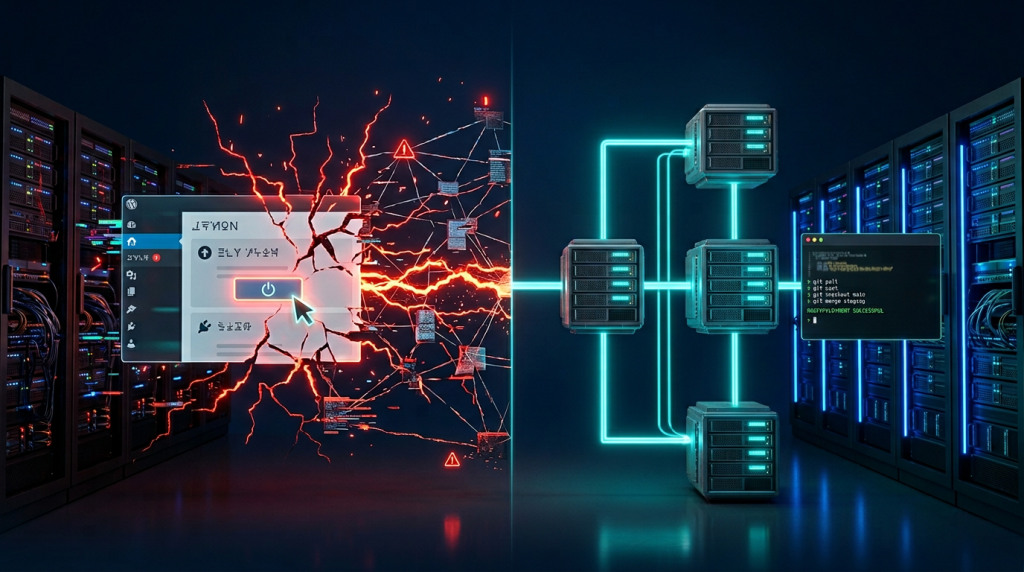
Picture this scenario. You have spent eight months and $20,000 building a custom WordPress site — complete with custom post types, bespoke API integrations, a tailored WooCommerce checkout flow, and a front-end that reflects your brand. It is your company’s most important digital asset.
Then you hand it over to a $50/month enterprise WordPress maintenance agency. Their workflow is straightforward: log in, click “Update All,” log out. Invoice sent. No dependency checks, no staging review, no post-deploy testing.
At 2:07 AM on a Tuesday, a plugin update pushes a breaking change to a hook your custom code depended on. Checkout processing stops completely. Booking forms start returning a 404. The API connection to your CRM goes dark.
Furthermore, the agency is asleep. Their monitoring does not alert on logic failures — only on full site-down events.
By the time your team notices at 9 AM, seven hours of revenue are gone. The support ticket gets a 48-hour response window. The “fix” is a rollback that wipes out three weeks of content.
This is not a horror story. We see it happen repeatedly across businesses that hand over complex WordPress maintenance to teams that are not equipped for it. Moreover, the cause is always the same: a fundamentally mismatched approach to enterprise WordPress maintenance services.
The Engineering Gap Nobody Talks About in WordPress Maintenance Services

The reality is this: there are two entirely different types of WordPress support, and the industry has done a poor job of distinguishing between them. Understanding this gap is the foundation of proper enterprise WordPress maintenance.
Plugin-level developers understand WordPress at the surface layer. They know how to install themes, configure plugins, and click update buttons. They are, therefore, fine for brochure sites with off-the-shelf themes.
Engineering-level partners understand your site’s architecture. They understand how your custom post types connect to your front-end queries. Updating ACF Pro without reviewing field key dependencies will silently corrupt your data structures. Your complete database schema is part of their working knowledge.
The gap between these two is not a gap in effort. Instead, it is a gap in understanding. And when you hand a custom site to a plugin-level team, you are not saving money. You are accumulating invisible technical risk — risk that compounds monthly until something catastrophic finally surfaces it. This is the core problem with treating enterprise WordPress maintenance as a commodity service.
Risk 1: Broken Custom Logic and API Failures in Enterprise WordPress Sites
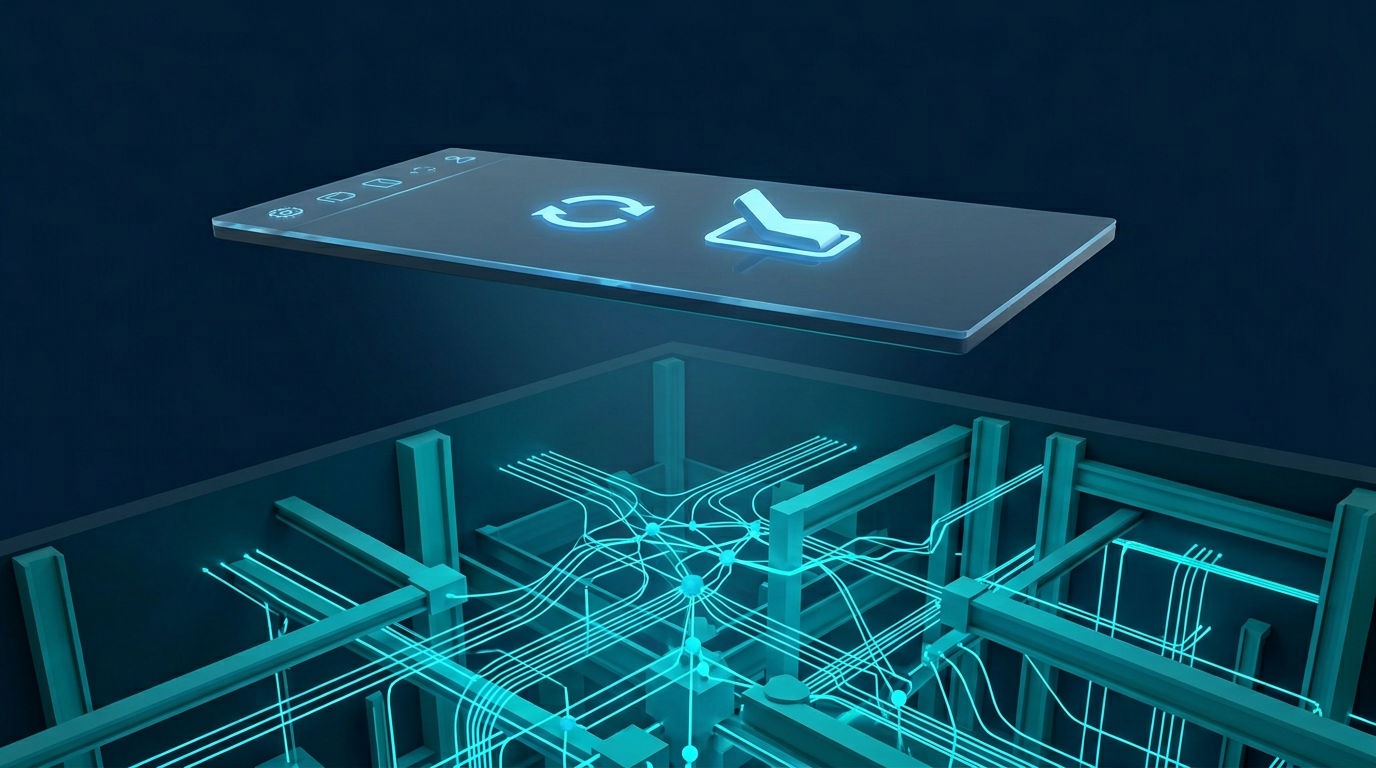
Custom WordPress sites rely on deep interdependencies. Your custom theme functions.php may register hooks and filters that specific plugin versions depend on. Your REST API endpoints may consume plugin-generated data in a particular schema. Moreover, an advanced custom field group may wire directly into a query modifier that populates your homepage.
A standard maintenance team does not map any of this. They have no documentation of which plugin interacts with which custom function. So when WooCommerce drops a major version and deprecates a hook, they do not know that your custom shipping module just broke.
Worse, these failures often stay completely silent. The site does not crash. It just starts returning wrong data — or the wrong products, or the wrong pricing. These are the failures that destroy trust and revenue before anyone catches them. This is why enterprise WordPress maintenance must include pre-update dependency mapping as a standard step.
Engineering Standard at WPscaleops: Before every update cycle, we produce a dependency map of all custom code interactions. Every update runs through our staging environment and a post-deploy smoke test covering critical user journeys — checkout, form submission, API calls, and authenticated routes.
Risk 2: Performance Decay, Technical Debt, and WordPress Database Optimization
Technical debt is sneaky. It does not hit all at once. Instead, it accumulates quietly — update by update, month by month — until your site, which launched at 92 on PageSpeed, is now limping at 61 and your bounce rate has climbed eight points.
Standard maintenance does not address performance. The monthly “maintenance report” shows: Updates applied. Backup taken. Security scan clean. That is it. Meanwhile, these problems silently grow:
- Unused CSS from deprecated plugins loads on every page, increasing render-blocking resources.
- Database tables from plugins installed and deleted two years ago still sit there, adding to query overhead.
- Autoloaded options balloon to 4MB, slowing every single page load across the site.
- Nobody restricted upload sizes, so WordPress serves images at 3× their display size.
- PHP sessions leak memory on high-traffic pages because no one audited the session handling in the custom login flow.
None of this is caught by “Update All + Backup.” Furthermore, all of it directly affects your Core Web Vitals, your Google rankings, and your conversion rate. Proper WordPress database optimization is not an optional extra for enterprise sites — it is a maintenance fundamental.
The key point is this: performance decay is always cheaper to prevent than to reverse. By the time you are paying an engineering team to refactor a database bloated by three years of neglect, you have spent ten times what regular WordPress database optimization would have cost upfront.
Risk 3: The Staging-less Nightmare — Why Live-Site Editing Kills Enterprise WordPress Sites
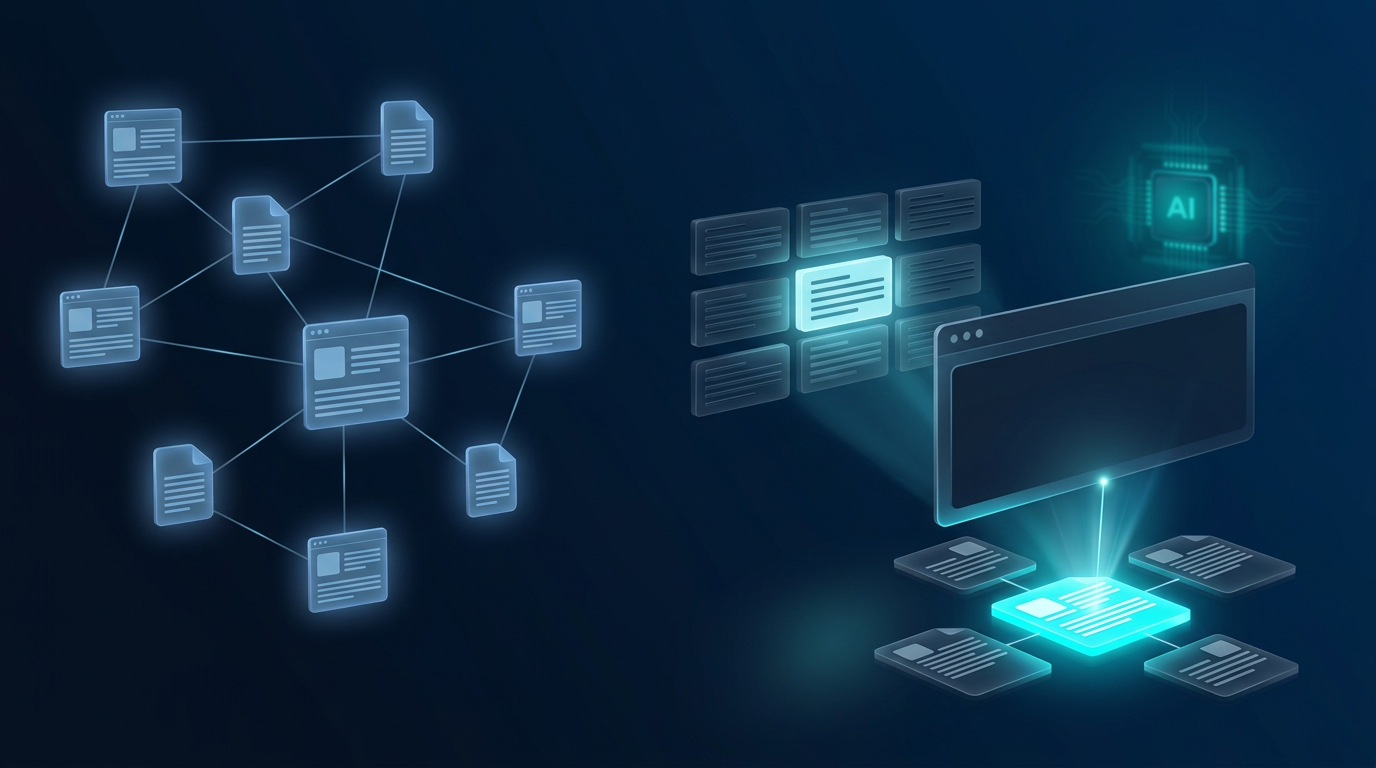
To be direct: if your maintenance team works on your live site, they are playing Russian roulette with your business. This is one of the most dangerous patterns in WordPress maintenance, and it is completely avoidable.
No staging environment means every update, every configuration change, and every plugin test happens in production. Your visitors become the guinea pigs. Your customers encounter the errors first. Because there is no separate environment to test in, the team is incentivised to be fast rather than careful.
A proper enterprise WordPress maintenance engineering workflow, by contrast, follows a clear sequence:
- Changes are developed and tested on a full staging clone — identical server environment, identical data.
- Updates are batched, reviewed, and applied in staging first — never directly in production.
- A post-update test suite runs across all critical user paths before any sign-off.
- Only after sign-off does the change deploy to production — via a Git-based deployment pipeline, not manual FTP.
- A rollback point is created pre-deploy so that if anything surfaces in production, the revert is a single command — not a frantic 3 AM backup restore.
This is not over-engineering. This is the minimum bar for any WordPress site that generates revenue. According to Google’s Core Web Vitals documentation, site stability and performance are direct ranking factors — making this workflow an SEO requirement as much as an engineering one.
Risk 4: Security Gaps in Generic Firewalls — Custom WordPress Security Hardening

Standard enterprise WordPress maintenance typically includes a Wordfence or Sucuri scan and a generic firewall configuration. That is fine for a generic site. However, custom sites have custom attack surfaces that generic rules simply do not cover.
If you have built a custom login flow, a custom REST endpoint, or a non-standard admin interface, a generic firewall rule set does not know to protect it. Generic rules protect generic patterns. Your custom admin-ajax handler that processes financial transactions? That is not in Wordfence’s default rulebook.
We have seen custom endpoints sitting completely exposed because the maintenance team assumed the WAF handled everything. Additionally, we have seen sites accept unlimited form submissions without rate limiting — leaving them open to credential stuffing attacks. We have also seen XML-RPC come back online after a plugin update with nobody monitoring the configuration state.
What proper WordPress security engineering looks like:
- Custom WAF rules written specifically for your site’s endpoints
- Post-update configuration state verification after every deployment
- Authenticated penetration testing on all custom routes
- Regular review of user privilege levels and API token permissions
- Server-side logging reviewed for anomaly patterns — not just plugin-level scans
Risk 5: WordPress Database Optimization — Fixing Bloat and Slow Queries
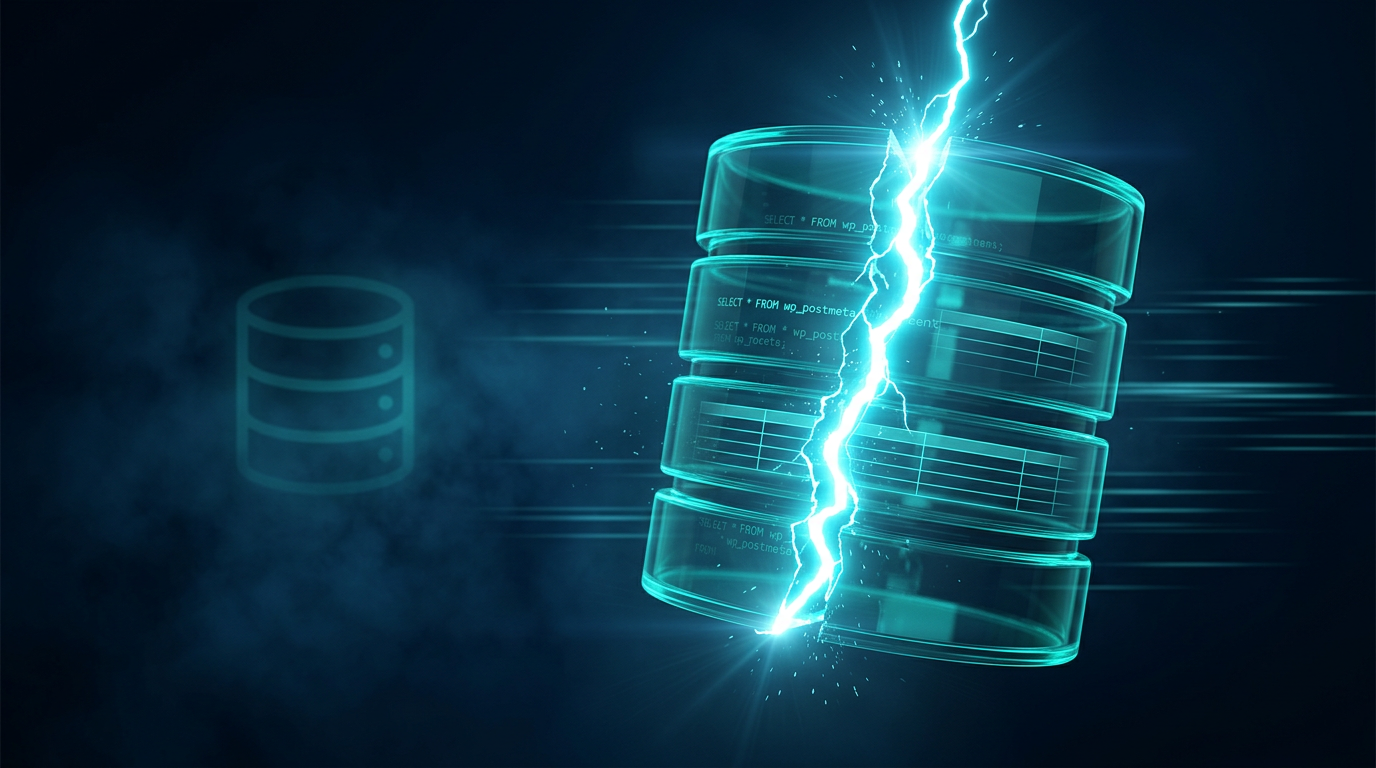
WordPress never designed its database structure for enterprise scale. The wp_options table in particular acts as a dumping ground — plugins write to it constantly, and almost nothing cleans it up automatically. Without regular WordPress database optimization, this creates a serious performance problem.
On a site that has run for two or three years under standard maintenance, you commonly find these issues:
wp_optionstables with 15,000+ rows — thousands of which are orphaned transients that nobody ever purged.wp_postmetafull of revision metadata from posts that no longer exist in the system.- Nobody ever created custom table indexes to match the actual query patterns your site uses.
- Full table scans run on every page load because no one ever ran
EXPLAINon the active queries.
The result is a site that feels slow for no obvious reason. PageSpeed scores look acceptable, and server specs look fine. However, the database does ten times the work it should — and every query under load adds 200–400ms that compounds across each page. WordPress database optimization and query refactoring are engineering fundamentals for enterprise sites, not optional extras.
Standard Maintenance vs. Enterprise WordPress Maintenance Engineering: The Honest Comparison
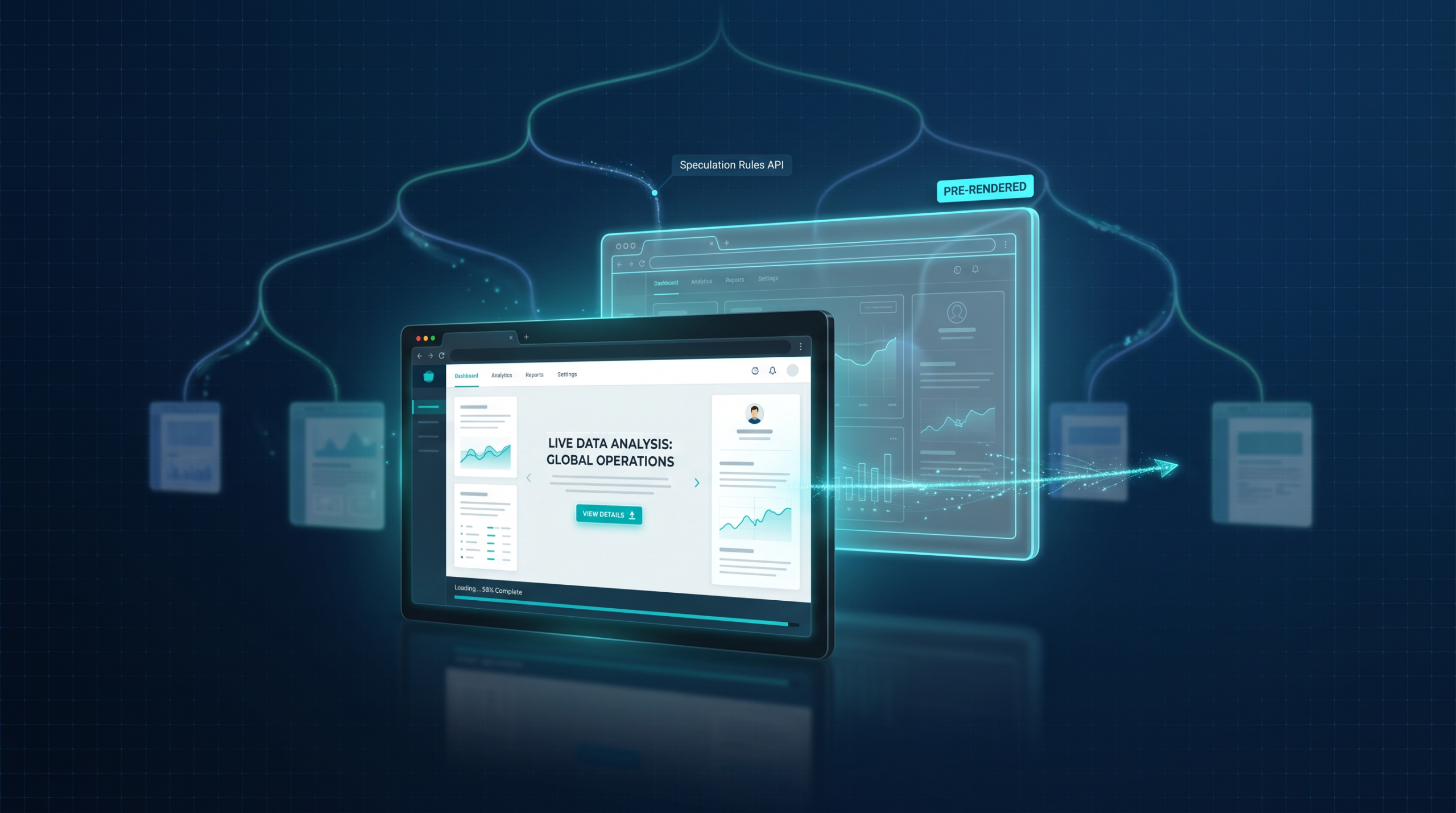
Here is what you actually buy when you choose between a generic WordPress maintenance plan and a dedicated engineering partner. The differences are significant — and they compound over time.
| Area | Standard Maintenance | WPscaleops Engineering |
|---|---|---|
| Update Process | Manual “Update All” via dashboard | Git-based staging + QA before deploy |
| Staging Environment | None — edits go live immediately | Full staging clone, always maintained |
| Custom Code Review | Skipped — plugin logic only | Dependency audit on every update cycle |
| WordPress Database Optimization | Rare or never performed | Scheduled query optimization + bloat cleanup |
| Security Monitoring | Generic firewall rules only | Custom WAF rule sets per site architecture |
| Performance Tracking | Not measured or reported | Core Web Vitals + server response tracked monthly |
| API & Integration Health | Not monitored at all | Automated pings + failure alerts in real time |
| Pricing Model | Flat retainer, regardless of work done | Resolution-based — you pay for outcomes |
| Support Response | Ticket queue (48–72 hrs) | Engineering-level escalation within hours |
| Accountability | None — sites break, you absorb the cost | Documented rollback + root cause report |
The Role of Automation in Enterprise WordPress Maintenance — Done Right
Automation is not the enemy. Bad automation is. The critical distinction is whether automation is replacing engineering judgment or amplifying it. In proper enterprise WordPress maintenance, it should always be the latter.
At WPscaleops, we integrate automated monitoring at the server, application, and query level — not just the plugin level. Automated smoke tests run post-deploy as a standard step. Furthermore, automated alerts track database query performance over time and flag degradation trends early. Core Web Vitals feed into a reporting dashboard that catches regressions before they ever reach your Google Search Console.
We have also started integrating LLM-assisted code review into our pre-update workflow — using AI to surface potential dependency conflicts in custom code before a human engineer reviews them. This does not replace the engineer. Instead, it means the engineer’s time goes toward complex architectural decisions, not rote pattern matching.
The future of enterprise WordPress support is not cheaper plugin-clicking. It is smarter engineering supported by better tooling. That distinction matters directly for your site’s stability, your SEO performance, and your bottom line.
What the WPscaleops Enterprise WordPress Maintenance Partner Model Actually Looks Like
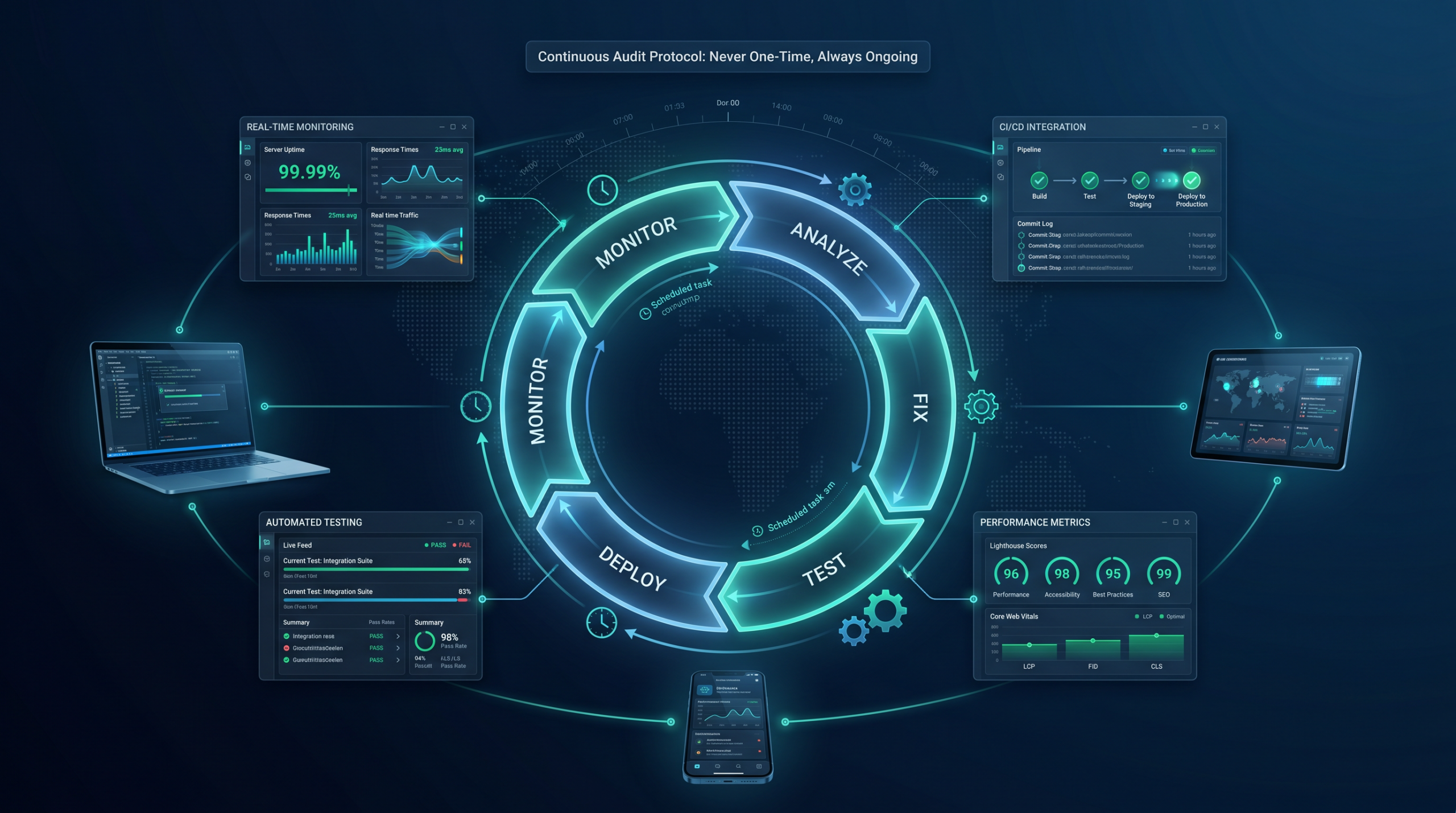
Our Professional Plan ($1,500/month) was built specifically for custom and enterprise WordPress sites that cannot afford the standard-maintenance roulette game. Here is what that looks like in practice:
- Git-based deployment pipeline for all changes — no manual FTP, no live-site editing under any circumstances
- Full WP staging environment maintained continuously in sync with production
- Pre-update dependency audits on all custom code interactions before any update goes live
- Monthly WordPress database optimization: transient cleanup, query index review, and autoload audit
- Custom WAF rules reviewed and updated specifically for your site’s endpoints
- Post-deploy smoke tests covering all critical business paths including checkout and API connections
- Core Web Vitals tracking with monthly engineering report and trend analysis
- Resolution-based support pricing — you pay for outcomes, not hours in a queue
Resolution-based pricing deserves a specific note. With hourly support, you pay for time regardless of results. With resolution-based enterprise WordPress maintenance, our incentives align directly with solving your problem. It changes how we approach every ticket — because our time and your outcome are the same measurable thing.
Frequently Asked Questions About Enterprise WordPress Maintenance
Will my custom code break during WordPress maintenance updates?
With a standard agency, there is a genuine risk — especially on major version updates for WooCommerce, ACF, or Elementor. These plugins frequently introduce breaking changes in hooks, filters, or data structures that custom code depends on. With our engineering workflow, however, every update goes through a dependency review and staging test before it ever touches production. If a conflict surfaces, we resolve it before it reaches your users.
Why is resolution-based WordPress support better than hourly billing?
Hourly billing creates a misaligned incentive: the longer a problem takes to fix, the more the agency earns. Resolution-based support aligns our incentives directly with yours. We work to find the right fix efficiently — not to bill twelve hours of “investigation.” As a result, you get a defined outcome for a defined cost, with full transparency on what happened and why.
How does enterprise WordPress maintenance improve SEO performance?
Directly and measurably. Core Web Vitals — specifically LCP, CLS, and INP — are active Google ranking signals. A site running bloated database queries, unoptimized assets, and uncleaned options tables will consistently score worse than one under active engineering maintenance. Beyond that, broken internal links, 404 errors from deprecated plugin pages, and slow server response times create crawl inefficiency that suppresses indexation over time.
What if my site is already on a standard maintenance plan — is it too late to switch?
It is rarely too late, but fixing years of neglect always costs more than preventing it from the start. We offer a site architecture audit as a starting point — a full engineering review of your custom code dependencies, database health, security posture, and performance baseline. From there, we give you a clear picture of what remediation looks like and what ongoing enterprise WordPress maintenance costs going forward. No upsell pressure — just an honest engineering assessment.
Why does enterprise WordPress maintenance cost more than a standard plan?
Because we do fundamentally different work. A $50/month plan clicks buttons. Our Professional Plan delivers dedicated engineering attention — dependency audits, staged Git-based deployments, WordPress database optimization, custom security rules, and resolution-based support from engineers who understand your site’s complete architecture. The comparison is not apples to apples. It is the difference between a key-holder who checks that the building is locked and a facilities engineer who keeps the whole system running.
Ready to Stop Gambling With Your Enterprise WordPress Site?
If your site has custom code, custom integrations, or a WooCommerce build of any complexity — standard maintenance is not maintenance. It is deferred risk that compounds monthly until it surfaces as an expensive emergency.
Our Professional Plan ($1,500/month) gives you a true engineering partner. Git-based deployments. Full staging environments. Resolution-based support. WordPress database optimization. A team that actually understands what is under the hood of your enterprise WordPress installation.
Start with a free site architecture audit. No commitment. No sales script. Just a straight engineering answer on where your site stands today.