


How API Integration Drives Modern Web Development (and Why Performance Matters)
Developers bolting on third-party APIs without considering the performance cost is a recipe for a slow, frustrating website. That lag doesn’t just annoy visitors—it hurts SEO, increases bounce rates, and undermines trust. This post explains how to integrate APIs intelligently, so you deliver rich functionality without sacrificing the speed and reliability your users expect.
What Is API Integration in Web Development?
API integration is the process of connecting different software applications through their application programming interfaces (APIs) so they can share data and work together. Think of an API as a messenger that takes requests from one system, tells another system what to do, and returns the response. In modern web development, APIs power everything from payment gateways to social media feeds to real-time analytics. Without them, your website would be an island—unable to pull in customer data from your CRM, send emails through Mailchimp, or display live inventory from your warehouse.
Defining APIs and Their Role
An API defines a set of rules and protocols for how software components should interact. When you integrate an API into a WordPress site, you’re essentially giving your site permission to talk to external services. For example, a booking plugin might use a calendar API to check availability, or a membership site might use a payment gateway API to process subscriptions. The key is that APIs handle the heavy lifting of communication, so developers don’t have to build every feature from scratch.
Types of APIs: REST, GraphQL, and Webhooks
REST APIs are the most common. They use standard HTTP methods (GET, POST, PUT, DELETE) and return data in JSON or XML. They’re simple, widely supported, and perfect for most WordPress integrations. GraphQL offers more flexibility by letting you request exactly the data you need—no more, no less. This reduces payload size and improves wordpress performance optimization. Webhooks, on the other hand, are event-driven. Instead of polling for updates, your site receives data automatically when something happens (like a new order in Shopify). For api integration in WordPress, choosing the right type depends on your use case: REST for standard CRUD operations, GraphQL for complex queries, and Webhooks for real-time updates.
Understanding these basics helps developers select the right integration strategy. A poorly chosen API type can slow down your site, while a well-matched one keeps your WordPress site fast and responsive.
Why API Integration Improves User Experience
API integration transforms a static WordPress site into a dynamic platform that responds to user behavior and external data in real time. When done right, it creates experiences that feel personal and effortless.
Real-Time Data and Personalization
APIs let your site display live information without manual updates. Stock levels update automatically from your inventory system. Weather data refreshes from a third-party service. Live chat pulls messages from a separate platform and shows them instantly in your browser.
Personalization engines take this further. They pull user data from CRM systems, e-commerce platforms, and analytics tools to deliver tailored content. A returning visitor sees product recommendations based on past purchases. A first-time visitor gets content aligned with their browsing behavior. This level of relevance keeps users engaged and reduces bounce rates.
The key is selecting APIs that return only the data you need. A bloated API response with unnecessary fields slows down page rendering. For WordPress performance optimization, use GraphQL to request exactly what the frontend requires, nothing more.
Streamlined Workflows and Automation
Automation via APIs removes friction from common tasks. When a new customer signs up, an API call can automatically create a CRM entry, add them to an email list, and trigger a welcome sequence. The user gets immediate confirmation without waiting for manual processing.
This seamless flow keeps users in the moment. They don’t experience delays or broken processes. But each integration adds network requests. If you chain five APIs on a single page load, you risk degrading the user experience with slow load times.
Batch API calls where possible. Use caching for data that doesn’t change frequently. Implement webhooks for event-driven updates instead of polling. These strategies maintain speed while delivering the automation benefits that users expect.
Poorly managed API integrations create the opposite effect: frustrated users who leave because the site feels sluggish. Smart integration planning ensures every API call serves a clear purpose and doesn’t compromise performance.
The Impact of API Integration on WordPress Performance
API integration brings powerful functionality to WordPress sites, but it comes with a performance cost that many developers underestimate. Every external request adds latency, consumes server resources, and can slow down page load times. Understanding these impacts is essential for maintaining a fast, reliable site.
Common Performance Pitfalls with APIs
The most frequent mistake is making too many API calls, especially blocking ones that prevent the page from rendering until the response arrives. A single slow API can delay your entire page load by several seconds. Large payloads compound the problem—fetching full JSON responses when you only need a few fields wastes bandwidth and processing power. Without proper caching, the same data gets requested on every page load, multiplying the performance hit. Third-party API downtime is another risk: if your site depends on an external service that goes down, your pages may break or load incompletely.
How to Measure API Performance Impact
You can’t fix what you don’t measure. Chrome DevTools gives you a clear picture of each API call’s timing and size. Open the Network tab, reload your page, and look for API requests that take longer than 200ms or transfer more than 50KB. WebPageTest provides a waterfall view that shows how API calls block rendering. For ongoing monitoring, WordPress plugins like Query Monitor or New Relic track API performance in real time. These tools reveal which integrations are slowing your site down and where optimization is needed.
Performance optimization must be part of the integration plan from day one. Implement caching for data that doesn’t change frequently—store API responses in transients or object cache. Use asynchronous requests for non-critical data so the page loads first and fetches API content afterward. Set up fallbacks for third-party downtime: if an API fails, serve cached data or a graceful error message instead of crashing the page. These practices turn API integration from a performance liability into a functional asset.
WordPress performance optimization requires treating every API call as a potential bottleneck. By measuring, caching, and planning for failures, you keep your site fast and reliable while still delivering the dynamic features users expect.
Best Practices for API Integration in WordPress
API integration done right means your WordPress site stays fast while delivering dynamic content. Here are the practices that separate efficient integrations from performance disasters.
Caching API Responses
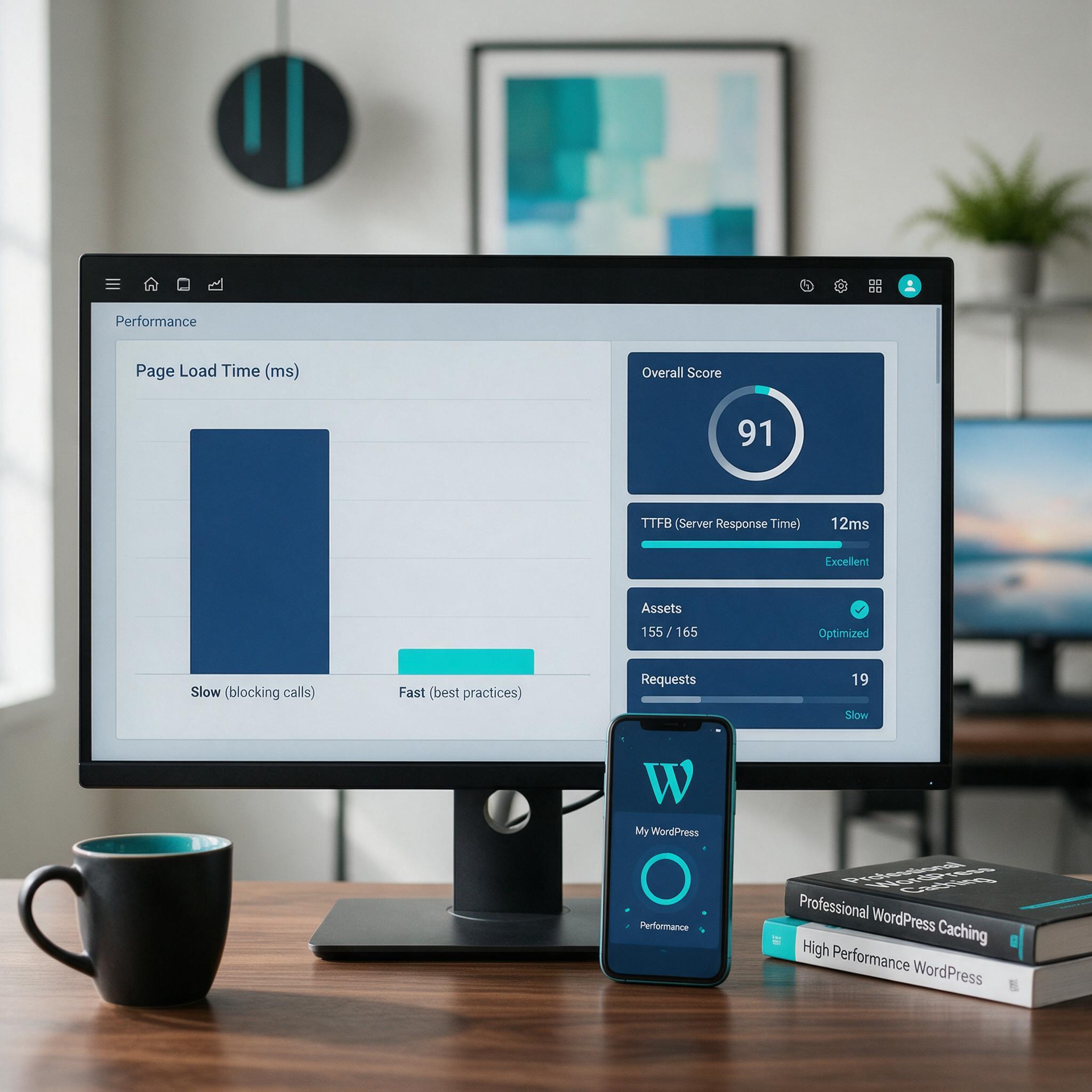
Every API call adds load time. Cache frequently requested data using WordPress transients or object caching with Redis or Memcached. Set expiration times that match how often the data changes—weather data might cache for an hour, while a product catalog updates daily. This single practice can cut page load times by 80% for API-heavy pages. For WordPress performance optimization, caching is non-negotiable.
Using Async and Non-Blocking Calls
Blocking API calls freeze page rendering until the external server responds. Use async JavaScript for frontend requests so the page loads first and fetches API content afterward. On the server side, process non-critical API calls in the background using WordPress cron or a queue system like Action Scheduler. This way, slow third-party services never hold your page hostage.
Implementing Fallbacks and Error Handling
APIs go down. Set timeouts—three seconds is a reasonable limit—and provide default fallback content when an API is unreachable. Show cached data, a static placeholder, or a friendly message instead of a broken page. Log failures for your team to investigate, but never let an API error crash your site.
Minimize Payloads and Batch Requests
Request only the fields you need. If you only need a user’s name and email, don’t pull their entire profile object. Use GraphQL when available to specify exact data requirements. Batch multiple API calls into a single request when the API supports it. For example, fetch data for ten products in one call instead of ten separate calls.
Custom Code Over Bloated Plugins
Generic plugins that handle API integration often make redundant requests and load unnecessary scripts. Custom code gives you precise control over what data you fetch, when you fetch it, and how you cache it. A 50-line function that calls one API endpoint and caches the result will outperform a plugin that loads 200KB of JavaScript and makes three extra requests.
These practices turn API integration from a performance liability into a functional asset. Every call should earn its place on your page, and every response should be cached, timed, or fallback-ready. That’s how you deliver rich features without sacrificing the speed your users expect.

Future Trends: API-First Development and Headless WordPress
The way we build websites is shifting. API-first development and headless architectures are no longer experimental—they’re becoming the standard for teams that need speed, flexibility, and multi-platform reach. WordPress is evolving right alongside this trend.
The Rise of Headless CMS
Headless WordPress separates the backend—where you manage content—from the frontend that visitors see. Instead of WordPress rendering HTML, it uses the REST API or GraphQL to deliver content to any platform: web browsers, mobile apps, smart displays, or IoT devices. The frontend can be built with React, Vue, or any framework that makes HTTP requests.
This architecture offers incredible flexibility. Your content team works in the familiar WordPress admin, while developers build fast, custom frontends that load only what’s needed. Performance gains come from eliminating unnecessary PHP rendering and database queries on every page load. A headless setup can serve content from a CDN as static files, dramatically improving time-to-first-byte.
But headless isn’t a silver bullet. It requires careful planning around caching, authentication, and API rate limits. Poorly optimized API calls can still bog down a headless site. That’s where wordpress performance optimization becomes critical—you need to ensure every endpoint returns data efficiently, with proper caching headers and minimal payload size.
APIs and Progressive Web Apps
Progressive Web Apps (PWAs) rely heavily on APIs to deliver near-native experiences. A PWA uses service workers to cache API responses, enabling offline support and instant loading. When a user revisits your site, the service worker serves cached content from the API, then updates it in the background. This pattern keeps your site fast even on slow networks.
APIs are also enablers for AI-driven content personalization. Imagine a WordPress site that uses an API to pull user behavior data, then dynamically adjusts the content shown—recommending products, articles, or CTAs based on past interactions. This level of personalization requires clean, well-documented API endpoints and a robust caching strategy to avoid performance hits.
Businesses adopting API-first strategies need engineering partners who understand both integration and wordpress performance optimization. The promise of headless and PWA architectures is real, but only when APIs are designed to be lean, cached properly, and monitored for latency. Without that discipline, you’re just moving the bottleneck from the server to the network.
API integration powers modern web experiences, but every extra call can slow your site if not handled with care. At WPSCALEOPS, we build custom integrations that connect your WordPress site to essential tools while keeping performance front and center. Our team manages caching, async loading, and error handling so you get rich functionality without the speed trade-off. The result is a site that works as hard as your business — fast, secure, and ready to scale. See how we optimize your integrations.