How to Choose the Best Cloud Hosting for Your WordPress Site
Choosing the best cloud hosting for WordPress isn’t about picking the most popular name—it’s about matching infrastructure to how your site actually behaves under pressure. Most site owners discover this only after a traffic spike turns their storefront into a loading spinner, or a security alert forces them to rebuild from scratch. In this guide, you’ll learn the exact criteria—performance, scalability, security, and cost—to evaluate providers like AWS WordPress hosting, so you can make a decision that holds up when your business depends on it.
Why Cloud Hosting Matters for WordPress Performance
What makes cloud hosting different from shared or VPS hosting?
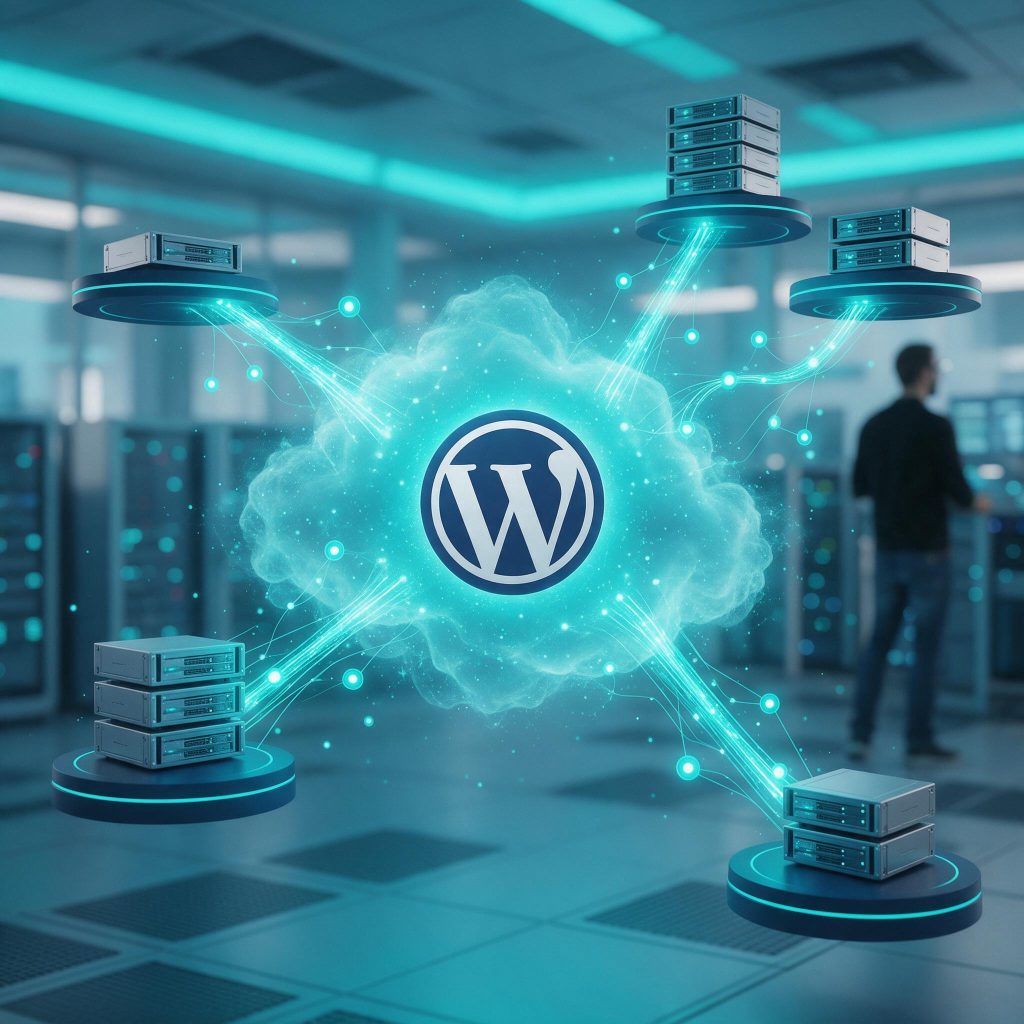
Shared hosting divides a single server’s resources among dozens of sites. When one neighbor gets a traffic surge, your site slows down or crashes. VPS hosting partitions a physical server into isolated slices, but you’re still limited to that machine’s capacity. Cloud hosting uses a network of virtual servers that pool resources and scale on demand. If one server fails, another instantly takes over—no single point of failure. For WordPress sites running custom themes or plugins, this isolation prevents resource contention. Your site doesn’t compete for CPU or memory with unknown tenants. That matters when a custom plugin spikes during a scheduled task or a flash sale hits. The best cloud hosting for WordPress providers like AWS WordPress hosting give you dedicated environments where performance stays predictable.
How does cloud hosting affect WordPress load times and uptime?
Load times directly impact user experience and search rankings. Industry consensus is clear: faster pages keep visitors engaged and improve SEO. Cloud hosting delivers speed through distributed infrastructure. Instead of one server handling every request, traffic routes to the nearest healthy node. This reduces latency and spreads load. Uptime improves because redundancy is built in—if a server goes offline, traffic shifts without interruption. For WordPress sites with custom development, cloud hosting means your database queries, plugin logic, and theme assets run in an environment that scales with demand. You don’t get the “too many connections” error during a viral post. You don’t lose customers because a shared server’s disk I/O maxed out. That reliability is what separates a hobby site from a business asset.
Key Criteria for Choosing the Best Cloud Hosting for WordPress
What should you look for in a cloud hosting provider?
The best cloud hosting for WordPress balances five critical factors. Start with performance. SSD storage delivers faster read/write speeds than traditional HDDs, directly impacting database queries and media file delivery. A built-in CDN distributes static assets globally, reducing latency for visitors far from your origin server. Server-level caching—Redis for object cache, Varnish for page cache—cuts PHP execution time dramatically. Next, scalability. Your provider must offer auto-scaling that spins up additional resources when traffic spikes, without you needing to upgrade a plan manually. Ask if they support horizontal scaling (adding more servers) or vertical scaling (upgrading CPU/RAM). Security is non-negotiable. Look for a web application firewall (WAF), DDoS mitigation, and automated daily backups with one-click restore. Support matters when things break. Choose a provider with 24/7 live chat or phone support staffed by engineers who understand WordPress architecture, not just generic hosting. Finally, cost transparency. Pay-as-you-go models suit variable traffic, but watch for hidden fees like data transfer egress charges or costs for additional IP addresses. Flat-rate plans simplify budgeting but limit resources during spikes. A provider that scores well on all five will keep your site fast, secure, and reliable under real-world conditions.
How do you evaluate performance benchmarks?

AWS WordPress Hosting: Is It the Right Choice for You?
What is AWS WordPress hosting?
AWS WordPress hosting means running your site on Amazon Web Services infrastructure. The most common options are EC2 (virtual servers you configure yourself), Lightsail (simplified VPS with pre-built WordPress images), and managed services like Elastic Beanstalk. Lightsail is the easiest entry point—fixed pricing, one-click WordPress setup, and basic monitoring. EC2 gives you full control over the stack but requires manual configuration of web servers, databases, and caching. Elastic Beanstalk automates deployment and scaling but still demands DevOps knowledge to tune properly.
When should you choose AWS over simpler managed hosts?
AWS wins on scalability and global reach. If your site grows predictably—say, seasonal traffic spikes or a product launch—AWS can spin up additional servers in minutes across multiple regions. You get granular control over every layer: choose your instance type, storage class, CDN (CloudFront), and database engine. That control comes with trade-offs. Pricing is complex: you pay per hour, per GB transferred, per request. A single misconfigured load balancer can double your bill. The learning curve is steep—expect to understand VPCs, security groups, IAM roles, and auto-scaling policies.
AWS is ideal if you already run other infrastructure there (e.g., APIs, databases) and want to consolidate. It’s also a strong fit for sites with unpredictable traffic that need to scale from zero to thousands of visitors instantly. But if you lack DevOps expertise or a dedicated ops person, you’ll struggle. The alternative is investing in managed support—services like WPSCALEOPS that handle AWS setup, monitoring, and optimization so you get the performance without the overhead. For most small to mid-size WordPress sites, a managed host like WP Engine or Kinsta delivers better value with less complexity.
Comparing Managed vs. Unmanaged Cloud Hosting
What does managed cloud hosting include?
Managed hosting means the provider handles server updates, security patches, backups, and performance tuning. You get a dashboard to manage your site, but the heavy lifting—OS updates, firewall rules, caching layers—is done for you. This is ideal for businesses that want to focus on content and growth, not SSH commands. Providers like WP Engine or Kinsta offer this out of the box. For those using AWS WordPress hosting, managed services like WPSCALEOPS handle the setup and ongoing optimization, so you get the scalability of the cloud without the DevOps headache.
Is unmanaged hosting ever a better fit?
Unmanaged hosting gives you full control. You choose the stack, configure the server, and manage every update. This works if you have a dedicated sysadmin or a team that enjoys infrastructure work. It’s also a good fit when you need to run custom software or integrate deeply with other AWS services. But the trade-off is responsibility: one missed security patch can expose your site. For most WordPress sites, the risk outweighs the flexibility.
Our stance: for the majority of WordPress sites, managed hosting is the smarter choice. Unless you have in-house ops expertise, the time and risk of unmanaged hosting aren’t worth it. WPSCALEOPS bridges the gap—we offer cloud hosting setup and management so you don’t have to choose between control and convenience. You get the power of best cloud hosting for WordPress without the overhead.

Red Flags to Avoid When Selecting a Cloud Host
What are common mistakes people make when choosing cloud hosting?
One frequent error is buying into “unlimited” plans. These almost always come with hidden throttling. Your site runs fine until a traffic spike hits, then performance drops without warning. Read the fine print on CPU, memory, and I/O limits. Another mistake is signing a long-term contract without a money-back guarantee. A provider that won’t let you test their service for 30 days is one that doesn’t trust its own product. Look for month-to-month options or at least a satisfaction guarantee.
How can you spot a provider that overpromises?
Marketing claims are easy to make. Check third-party reviews for real-world performance issues—not just the testimonials on their site. Look for patterns: slow support, frequent downtime, or billing surprises. Ask about their backup and recovery process. If they can’t explain it clearly in under a minute, that’s a red flag. You need to know how quickly you can restore your site after a failure. Finally, “guaranteed uptime” is only as good as the support team’s response when things go wrong. A 99.9% SLA means nothing if you can’t reach a human during an outage. Test their support before you commit. Even providers advertising the best cloud hosting for WordPress can have these issues. AWS WordPress hosting, for instance, requires careful configuration—don’t assume it’s hands-off. Always verify the details that matter for your site’s reliability.
How to Migrate to a New Cloud Host Without Downtime
What’s the safest way to migrate a WordPress site?
Start with a full backup—database, uploads, themes, plugins, and wp-config. Use a plugin like UpdraftPlus or a server-level snapshot. Then spin up a staging environment on the new host. For AWS WordPress hosting, launch an EC2 instance or use Lightsail, clone your site, and point a temporary domain or hosts file at it. Run through every page, form, and integration. Check for broken permalinks—flush rewrite rules in Settings > Permalinks. Mixed content errors show up as missing HTTPS assets; use a search-and-replace tool like Better Search Replace to update old URLs. Database connection issues usually stem from mismatched credentials in wp-config—double-check the new host’s database name, user, and password.
Once staging passes, prepare the cutover. Lower the TTL on your DNS records to 300 seconds a few days ahead. Put your live site into maintenance mode, export the final database from the old host, import it to the new one, and sync any file changes. Update DNS to point to the new server’s IP. Monitor traffic and error logs for the next hour. The whole process can take under 30 minutes of actual downtime if you plan it right.
Should you hire a professional for migration?
If the steps above sound like a foreign language, hire someone who does this daily. One wrong DNS record or a missed database table can take your site offline for hours. Professional migration services handle the backup, staging, testing, and cutover while you focus on business. WPSCALEOPS offers migration as part of its maintenance plans—we’ve moved hundreds of sites to the best cloud hosting for WordPress without a single minute of unplanned downtime. We also handle the post-migration checks: SSL renewal, CDN reconfiguration, and caching layer adjustments. Don’t risk your site’s uptime to save a few hundred dollars. A botched migration costs more in lost revenue and reputation than a professional service ever will.
Selecting the right cloud host sets your WordPress site on a solid foundation, but performance and security don’t maintain themselves. That’s where we come in. At WPSCALEOPS, we handle the full lifecycle — from cloud hosting setup to proactive monitoring and ongoing maintenance — so your site stays fast, secure, and reliable without demanding your time or expertise. You get a high-performance WordPress environment, freed from the technical overhead that slows down growth. Ready to put your hosting choice into action? See how we manage the details.