Why Cloud Hosting is Essential for Your WordPress Site (and How AWS Delivers)
You’ve built a WordPress site that stands out—custom themes, bespoke plugins, the works. But the one thing holding it back? The hosting. Shared hosting worked at launch, but now traffic spikes crash your site, security patches feel like a gamble, and performance lags. That slow load time? It’s costing you visitors and revenue. In this post, we’ll strip away the hype and show you exactly why cloud hosting for WordPress—especially AWS WordPress hosting—is the foundation your site needs to scale, stay secure, and run at peak speed.
What Makes Cloud Hosting Different from Traditional Hosting?
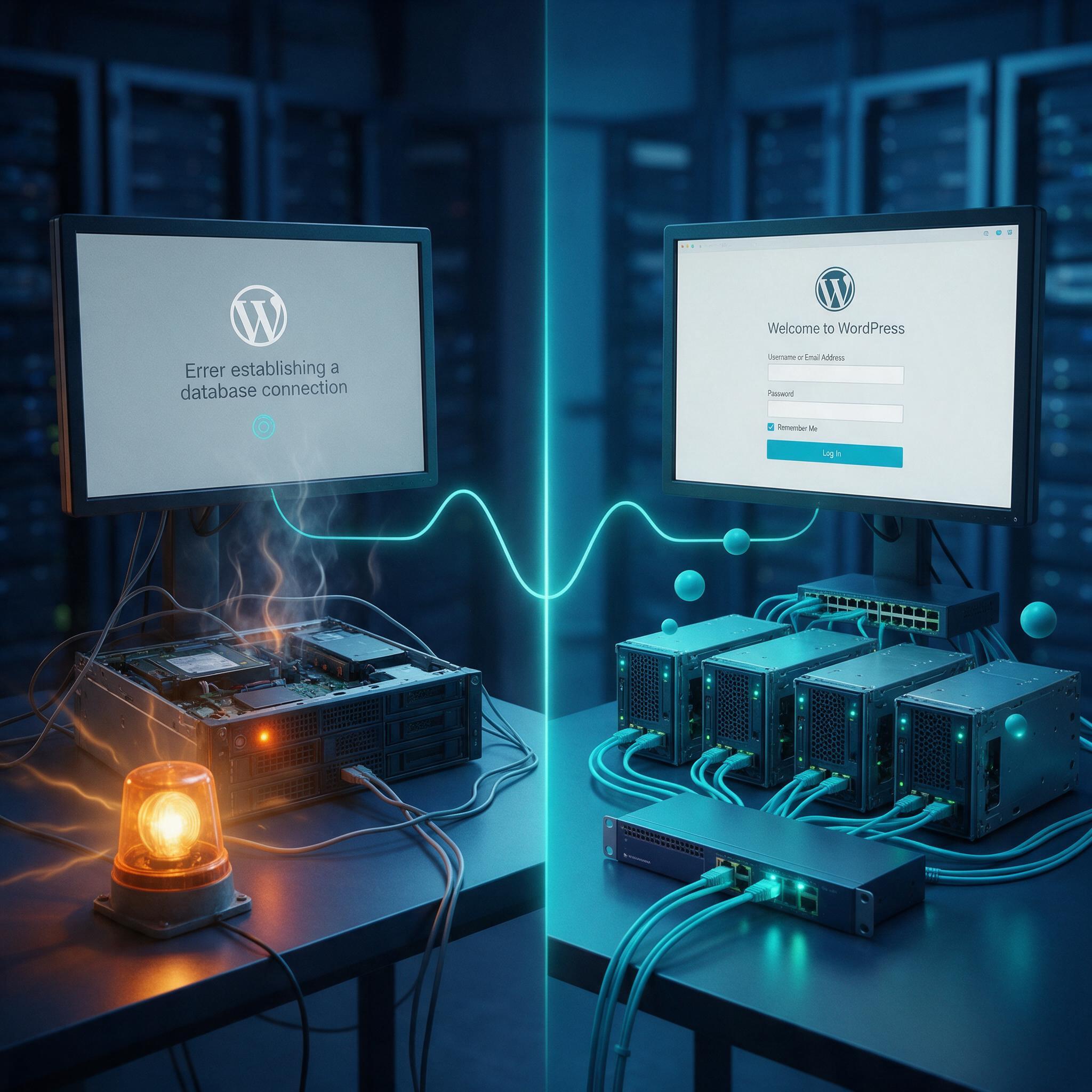
Traditional hosting puts your WordPress site on a single server. Shared hosting crams dozens of sites onto one machine. VPS gives you a partitioned slice of a single server. Either way, your site lives on one physical box with fixed resources. When that box goes down, your site goes with it.
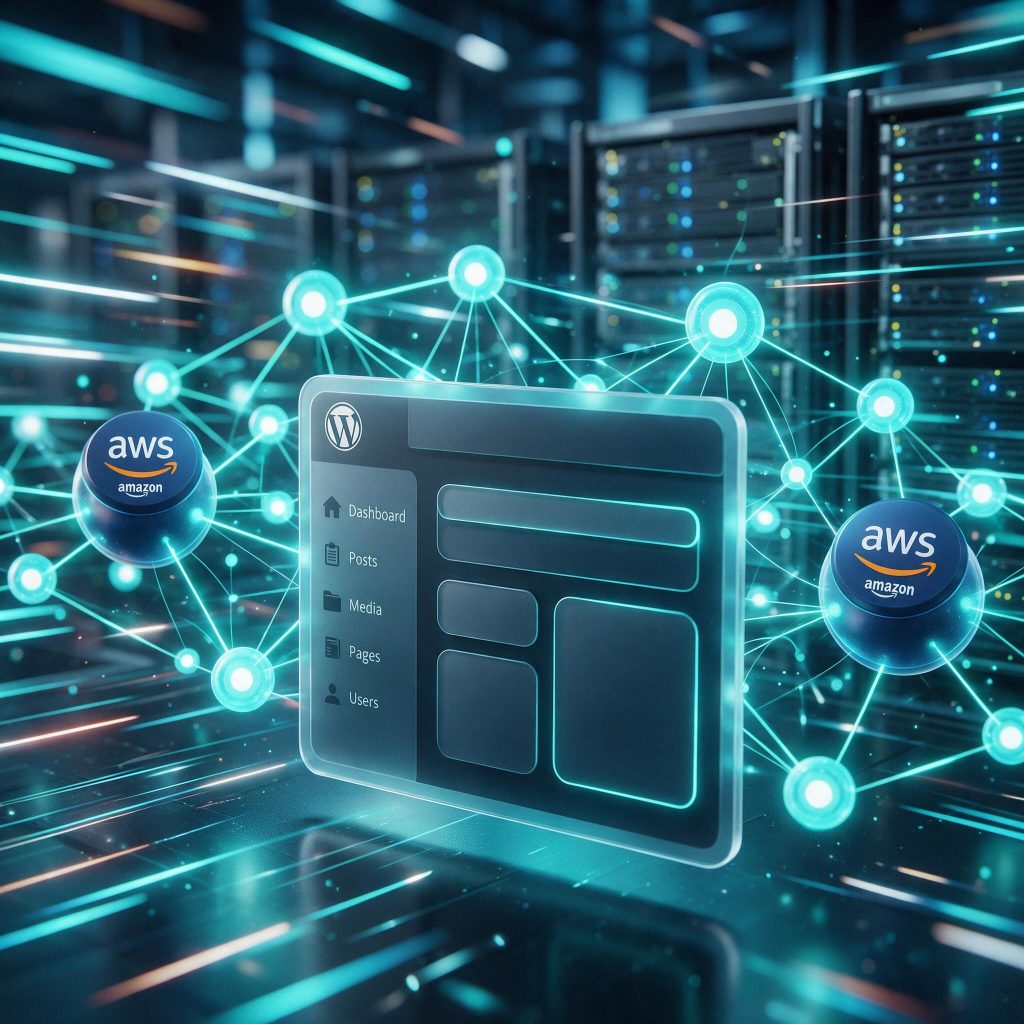
Cloud hosting for WordPress flips that model. Instead of one server, your site runs on a network of virtual servers that pull resources from a distributed pool. AWS WordPress hosting, for example, spreads your site across multiple data centers. If one server fails, another takes over instantly. No downtime. No lost traffic.
The architecture difference: one server vs. a network of resources
Think of traditional hosting as renting a single apartment. You get a fixed amount of space, and if your neighbor throws a loud party (traffic spike), you still have to deal with it. Cloud hosting is like having access to an entire building. Need more room? You expand into unused space immediately. The infrastructure is elastic by design.
How cloud hosting handles resource allocation dynamically
Resource pooling is the key difference. With cloud hosting, your site can tap into additional CPU and RAM on demand. A viral post or flash sale spikes traffic? The cloud automatically allocates more processing power to handle the load. No manual upgrades. No migration to a bigger plan. The system adjusts in real time.
Why traditional hosting fails custom WordPress sites
Custom WordPress sites with complex logic—custom post types, advanced queries, third-party API integrations—demand predictable resources. Traditional hosting can’t guarantee that. A traffic spike on another site sharing your server can choke your performance. You’re at the mercy of your neighbors.
Cloud hosting eliminates that risk. Your site gets dedicated resources when needed, and built-in redundancy means no single point of failure. For a custom WordPress site that needs to perform under pressure, cloud hosting isn’t a luxury—it’s the baseline.
How Cloud Hosting Boosts WordPress Site Performance
Faster page load times through distributed infrastructure
Cloud platforms like AWS place your site closer to users through global data centers. Instead of routing every visitor through a single server in one location, requests hit the nearest regional endpoint. A visitor in London doesn’t wait for a response from a server in Virginia. That distance reduction alone trims load times by hundreds of milliseconds. For a custom WordPress site with heavy media files or complex queries, those milliseconds compound into seconds saved per page view.
Content delivery networks (CDNs) and edge caching
CDNs like CloudFront cache static assets—images, CSS, JavaScript—at edge locations worldwide. When a user requests your site, the CDN serves those files from the closest edge node instead of your origin server. This cuts load times dramatically for repeat visitors and reduces the load on your hosting infrastructure. For a WordPress site with a custom theme and multiple plugins, offloading static assets to a CDN frees up server resources for dynamic content generation. The result: faster time-to-first-byte and a smoother experience during traffic surges.
Database optimization with cloud-native tools
Cloud-hosted databases like RDS and Aurora provide automatic scaling and read replicas. Your WordPress site’s database handles every post, comment, and user session. Under heavy traffic, a single database server becomes a bottleneck. Read replicas distribute SELECT queries across multiple instances, keeping response times stable. Aurora goes further with auto-scaling storage and compute, so your database grows with your traffic without manual intervention. For custom WordPress sites, this means no more “connection timed out” errors during peak hours.
Performance tuning for custom WordPress sites goes beyond infrastructure. Plugin interactions and database queries often create hidden bottlenecks. A poorly optimized query can slow down every page load, regardless of how fast your server responds. Cloud platforms give you the tools to identify and fix these issues—slow query logs, performance insights, and managed caching layers. WPSCALEOPS optimizes AWS configurations specifically for your site’s architecture, from autoscaling policies to cache invalidation rules. The result is a WordPress site that loads fast, handles traffic spikes without breaking a sweat, and keeps your users engaged.
Scalability: Handling Traffic Spikes Without Downtime
Traffic spikes don’t send a warning. One moment your site hums along at baseline, the next a post goes viral or a flash sale hits. Traditional shared hosting has a hard ceiling—once you hit it, the site slows to a crawl or dies entirely. Cloud hosting removes that ceiling.
Auto-scaling groups for WordPress
Auto-scaling groups monitor your server load in real time. When CPU usage climbs past a configured threshold, new instances spin up automatically. When traffic settles, they shut down. No manual intervention, no late-night server wrangling. For a custom WordPress site with resource-heavy plugin logic, this matters even more—your site’s architecture doesn’t have to compromise performance just because demand fluctuates.
Load balancing traffic across multiple instances
An Elastic Load Balancer sits in front of your instances and distributes incoming requests across them. If one server handles 10,000 requests and another handles 500, the balancer evens things out. No single instance gets overwhelmed. This is where AWS WordPress hosting shines—the load balancer works with your auto-scaling group to route traffic only to healthy instances, so a failing server never takes your site down with it.
Real-world examples: flash sales, viral content, seasonal peaks
Consider a flash sale on a custom-built store. Your typical traffic is 500 concurrent users. The sale drives 5,000. On shared hosting, that’s a crash. On cloud hosting, new instances spin up within minutes, the load balancer distributes the surge, and your store stays online. Same story with viral content—a single share from a major account can flood your site with traffic that would flatten a traditional server. Seasonal peaks like Black Friday or holiday launches follow the same pattern. WPSCALEOPS monitors your traffic patterns and configures scaling rules to match your site’s specific behavior, so you’re never caught off guard.
Security Advantages of Cloud Hosting for WordPress
Security isn’t an afterthought on cloud hosting—it’s baked into the infrastructure. When you run WordPress on shared hosting, your site shares a server with hundreds of others. One compromised neighbor can take down the entire machine. Cloud hosting for WordPress eliminates that risk through isolation and enterprise-grade protection.
Built-in DDoS protection and network firewalls
AWS Shield provides always-on DDoS protection at no extra cost. That means when an attacker tries to flood your site with traffic, the network absorbs the attack before it reaches your WordPress installation. You don’t need to configure anything or pay a premium. The protection sits at the network level, filtering malicious traffic while legitimate visitors pass through without interruption.
Beyond DDoS mitigation, cloud providers layer in network firewalls that inspect every packet. These firewalls block malicious requests before they hit your web server, stopping brute-force login attempts and SQL injection attacks at the perimeter. For a custom WordPress site, this matters because your bespoke plugins and themes may have unique entry points that generic security plugins don’t cover.
Automated backups and disaster recovery
Traditional hosting puts the backup responsibility on you. Miss a manual backup and a botched plugin update can wipe out weeks of work. Cloud hosting flips that model. Automated snapshots capture your entire site—files, database, configuration—at scheduled intervals. If something breaks, you restore in minutes, not hours.
Cross-region replication takes recovery a step further. Your site’s data is copied to a separate geographic location. If an entire data center goes down, your WordPress site spins up in another region. That’s the difference between a minor inconvenience and a business-ending outage.
Compliance-friendly infrastructure (PCI, GDPR)
Handling customer data means dealing with compliance requirements. AWS WordPress hosting offers pre-configured environments that meet PCI DSS standards for payment processing and GDPR requirements for data protection. The infrastructure includes encryption at rest and in transit, access logging, and identity management tools that make audits straightforward.
Custom sites are more exposed if security isn’t integrated into the hosting layer. WPSCALEOPS hardens the entire stack—from the operating system to the PHP configuration—so your WordPress site doesn’t rely on hope. Security becomes part of the architecture, not a plugin you install and forget.
Why AWS WordPress Hosting Is a Top Choice for Custom Sites
AWS isn’t a single hosting product—it’s an entire ecosystem. That’s why it’s the right call for custom WordPress builds. You get choices, and choices matter when your site doesn’t fit a one-size-fits-all template.
Flexibility of EC2, Lightsail, or ECS for WordPress
Start with Lightsail if you want predictable pricing and a simple setup. It handles the heavy lifting of server management while still giving you root access. For full control, EC2 puts you in the driver’s seat—every instance type, every network setting, every storage option is yours to tune. ECS takes things further, running WordPress in containers so you can scale individual services independently. Each path works; the right one depends on your traffic patterns and development workflow.
Managed services (RDS, ElastiCache) that reduce overhead
Running MySQL on the same server as your web files creates a bottleneck. RDS for MySQL separates the database, automates backups, and handles failover so a server crash doesn’t take your site down with it. ElastiCache for Redis does the same for object caching—queries hit memory instead of hammering the database on every request. These managed services remove the grunt work while improving performance. You stop babysitting servers and start focusing on features that grow your business.
Why you still need expert engineering to make AWS work for WordPress
AWS gives you power, but power without precision gets expensive. Misconfigured security groups expose your site. Over-provisioned instances drain budgets. Poorly tuned autoscaling creates latency spikes. The cloud doesn’t fix bad architecture—it amplifies it. Custom WordPress sites carry unique logic in themes and plugins, and that logic needs to align with your cloud setup. WPSCALEOPS bridges that gap. We design the environment, deploy it, and manage it so you get the performance and security AWS promises without the learning curve. You handle the business; we handle the infrastructure.
Cloud hosting gives your WordPress site the performance headroom it needs, but the real value comes from how it’s architected. A misconfigured AWS setup can quietly undo every benefit we’ve covered, leaving you with higher costs and slower response times.
That’s what we do at WPSCALEOPS. We engineer AWS hosting for custom WordPress builds, handling the configuration, performance tuning, and 24/7 monitoring so your site stays fast and secure without you managing infrastructure. You get the scalability and resilience of the cloud, without the guesswork.
If you’re ready to put your WordPress site on cloud infrastructure that’s built to perform, see how we set up and manage AWS hosting.