Why Your WordPress Site Needs Regular Maintenance (And What Happens When You Skip It)
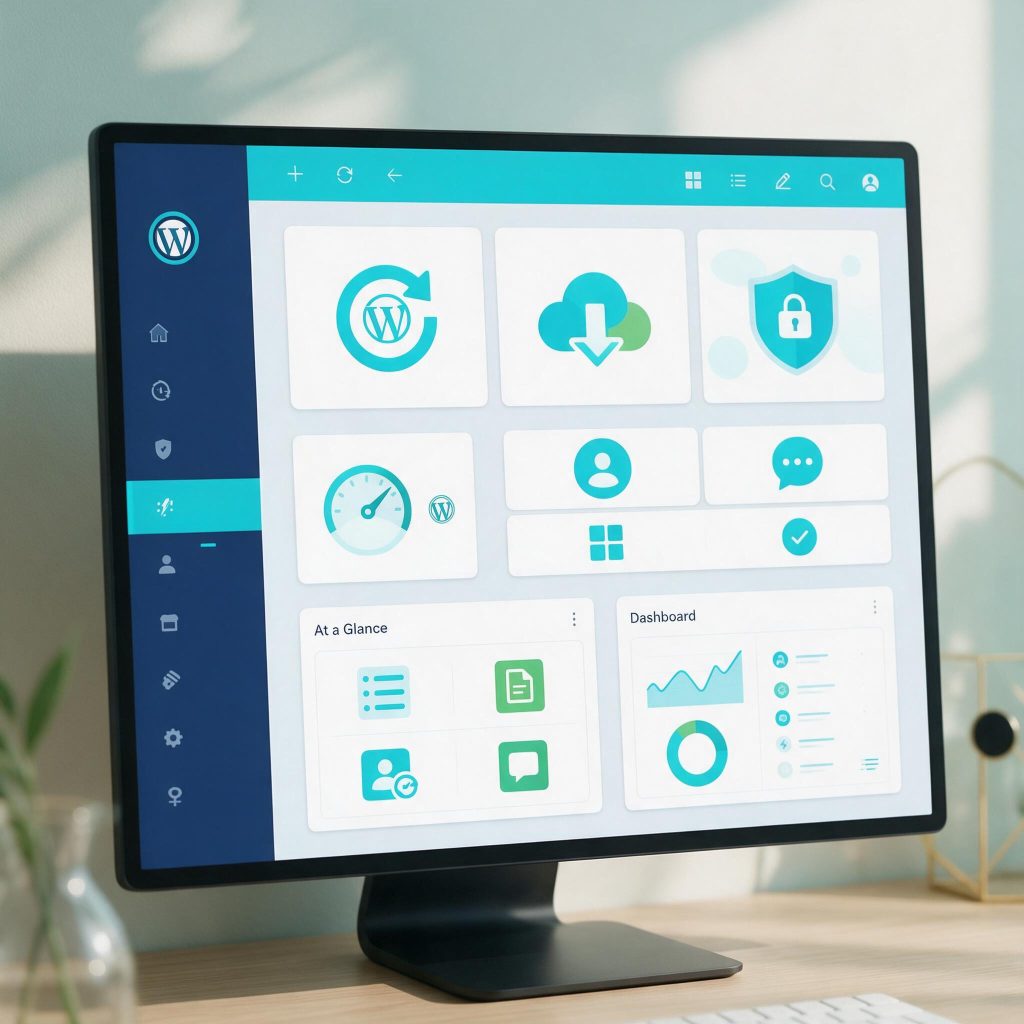
You’ve invested time and money into your WordPress site, but when was the last time you updated a plugin or checked your backup? Most site owners don’t realize that skipping routine maintenance is like ignoring a slow leak—eventually, it causes major damage. In this post, you’ll learn exactly why regular WordPress maintenance services are essential and how to avoid the costly mistakes that come from neglect.
The Hidden Costs of Skipping WordPress Maintenance
What happens when you ignore updates?
Every plugin, theme, and core file on your WordPress site receives updates for a reason. Developers patch security flaws, improve compatibility, and fix bugs. When you skip those updates, you leave your site exposed. Outdated plugins and themes are the most common entry point for attackers. They scan for known vulnerabilities in old versions and exploit them automatically. One missed update can turn a secure site into a compromised one overnight. Without regular WordPress maintenance services, you’re essentially running a site with unlocked doors.
The domino effect of a single vulnerability
A single unpatched vulnerability doesn’t stay isolated. Attackers use it to gain access, then escalate privileges, install backdoors, and steal data. What starts as a minor oversight—ignoring a plugin update notification—can lead to full site takeover. You lose customer data, your site gets blacklisted by search engines, and your reputation takes a hit. Recovery is not quick or cheap. Cleaning a hacked site requires expert intervention, often costing hundreds or thousands of dollars. And that’s assuming you have clean backups. If you don’t, you may lose everything. This is why consistent WordPress website maintenance is not optional—it’s a safeguard against cascading failures.
How downtime kills revenue
Downtime from neglected maintenance directly impacts your bottom line. Every minute your site is down, you lose potential sales, leads, and customer trust. Visitors who encounter errors or slow loading times leave and rarely return. Search engines penalize sites with frequent downtime, hurting your rankings. The cost of recovery—both in time and money—far exceeds the investment in proactive care. Many business owners underestimate the true cost of a hacked or broken site. They think, “It won’t happen to me,” until it does. By then, the damage is done. Regular WordPress performance optimization and maintenance prevent these scenarios. They keep your site fast, secure, and reliable, so you can focus on growing your business instead of fighting fires.
Core Components of a Solid WordPress Maintenance Routine
WordPress core, theme, and plugin updates
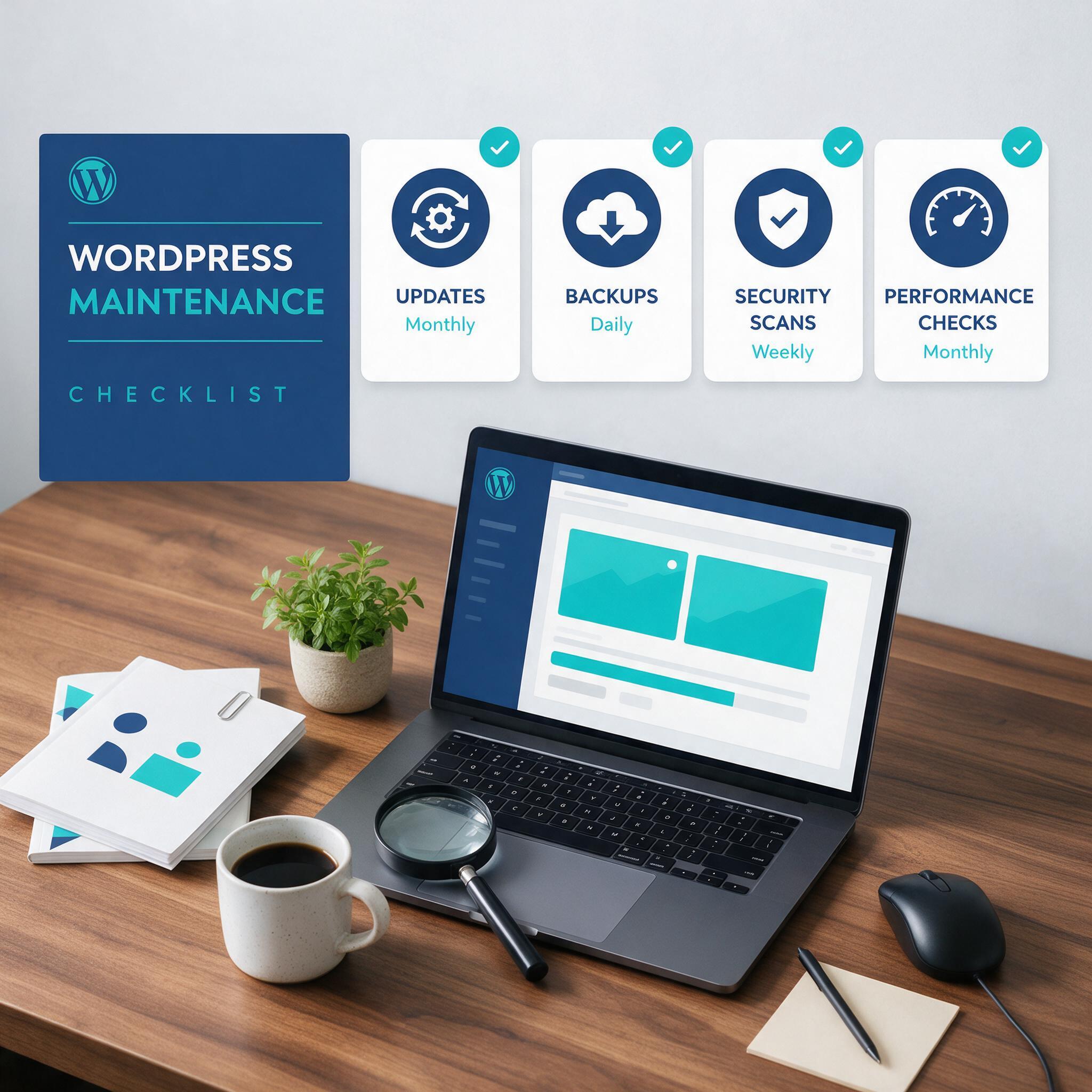
Every update—whether for the WordPress core, a theme, or a plugin—patches security flaws and improves compatibility with the latest web standards. Outdated plugins are the number one entry point for attackers. A single unpatched vulnerability can expose your entire site. Updates also prevent conflicts when new PHP versions or browser features roll out. Schedule updates weekly or use automated tools to apply minor patches immediately. Test major updates on a staging environment first to avoid breaking custom functionality. This is a non-negotiable part of any reliable wordpress maintenance services plan.
Backup strategies that actually work
Automated backups—daily or real-time—are your safety net. Without them, a hacked site, failed update, or server crash means starting from scratch. A solid backup strategy includes off-site storage (cloud or remote server) and multiple restore points. Test your backups monthly by performing a full restore on a staging site. Many site owners assume backups are running, only to find corrupted files when disaster strikes. Don’t let that be you. Real-time backups capture every change, so you lose at most a few minutes of work. This is the backbone of professional wordpress website maintenance.
Security monitoring and malware removal
Regular security scans catch threats before they cause damage. Automated monitoring checks for file changes, suspicious login attempts, and known malware signatures. If a scan finds an infection, immediate removal prevents data theft, blacklisting, and SEO penalties. Combine scans with a web application firewall (WAF) and login rate limiting. Security isn’t a one-time setup—it’s an ongoing process. A maintenance checklist ensures nothing slips through the cracks: update passwords, review user permissions, audit installed plugins, and check error logs weekly. This systematic approach keeps your site resilient and supports wordpress performance optimization by eliminating resource-draining malicious scripts.
A maintenance checklist helps ensure every component is addressed consistently. Include items like database optimization, broken link checks, and uptime monitoring. When you treat maintenance as a routine—not a crisis response—your site stays fast, secure, and reliable. That’s the difference between a site that works for you and one that works against you.
Why Performance Optimization Matters More Than You Think
Why speed matters for conversions and SEO
Page speed is a direct conversion killer. A one-second delay in load time can reduce conversions by 7%—that’s lost revenue from visitors who won’t wait. Google uses page speed as a ranking factor for both desktop and mobile. Slow sites get buried in search results, meaning fewer organic visitors. User experience suffers: bounce rates spike when pages take longer than three seconds to load. If your site is sluggish, you’re handing customers to competitors. Speed isn’t a nice-to-have; it’s a baseline requirement for any serious online presence. That’s why wordpress performance optimization should be a continuous priority, not a one-time fix.
Common performance bottlenecks in WordPress
The biggest culprits are heavy plugins, unoptimized images, and poor hosting. Each plugin adds code and database queries; too many or poorly coded ones drag down load times. Images that aren’t compressed or properly sized force browsers to download huge files. Cheap shared hosting can’t handle traffic spikes, causing timeouts. Other bottlenecks include outdated PHP versions, unminified CSS/JavaScript, and lack of caching. A site that worked fine six months ago can degrade as content grows and plugins update. Regular audits catch these issues before they become problems. WordPress website maintenance that includes performance checks prevents the gradual slowdown that frustrates users and hurts SEO.
Tools and techniques for optimization
Standard fixes work when applied consistently. Implement caching—page caching, browser caching, and object caching—to serve static versions of your content. Use a CDN to distribute assets globally, reducing latency. Compress images with tools like WebP conversion and lazy loading. Clean up your database by removing post revisions, spam comments, and transients. Minify CSS and JavaScript files. Enable Gzip compression. Run regular performance audits with tools like GTmetrix or Lighthouse to track improvements and spot regressions. For custom-built sites, these steps require technical precision—one misconfigured cache rule can break functionality. That’s where expert wordpress maintenance services add value: they apply optimization techniques without causing downtime or errors. As traffic grows, performance audits become even more critical. A site that handles 1,000 visitors well might choke at 10,000 without proactive tuning. Keep your site fast, keep your rankings high, and keep your visitors engaged.
Security: The Non-Negotiable Part of WordPress Website Maintenance
Every day, automated bots scan WordPress sites for vulnerabilities. Brute force attacks hammer login pages with thousands of password guesses. SQL injection attempts target database queries. Outdated plugins and themes are the most common entry points—hackers know exactly which versions have known exploits. A single unpatched plugin can compromise your entire site. These threats are not hypothetical; they are the reality of running a site on the open web. Regular wordpress website maintenance is the only way to stay ahead.
Common WordPress security threats
Brute force attacks remain the most frequent method. Attackers use scripts to try common usernames and weak passwords. SQL injection can steal user data or take over the site entirely. Outdated software—plugins, themes, or the WordPress core itself—leaves your site exposed. Once a vulnerability is public, attackers move fast. For example, an outdated contact form plugin might allow file uploads without proper validation, letting hackers inject malware. If you are not updating, you are falling behind.
Proactive security measures
Start with the basics: enforce strong passwords and change them regularly. Use a password manager to generate and store complex credentials. Implement two-factor authentication (2FA) for all admin accounts—an authenticator app is more secure than SMS. Set up a web application firewall (WAF) to block malicious traffic before it reaches your server. Limit login attempts to prevent brute force success. Disable XML-RPC if you don’t need it; it’s a common attack vector. For custom-built sites, ensure your code follows secure coding practices: sanitize all inputs, avoid hardcoded credentials, and conduct regular code reviews. These steps stop the majority of automated attacks.
The role of a maintenance service in security
When DIY Maintenance Isn’t Enough: The Case for Professional WordPress Maintenance Services
You can update plugins and back up your database yourself. But at some point, the gap between what needs to be done and what you have time to do becomes too wide. That’s when DIY maintenance stops being a cost-saving move and starts being a liability.
Signs your site needs professional maintenance
Recurring issues are the clearest signal. If you’re patching the same problem every few weeks, or if your site slows down after every update you run, you’re fighting symptoms, not causes. Other signs: you avoid updating plugins because you’re afraid something will break, you have no idea when your last backup ran, or you’ve been hacked once and hope it doesn’t happen again. If any of this sounds familiar, you’ve outgrown the DIY approach. Time and technical expertise are finite resources. When both run out, professional WordPress maintenance services become the practical answer.
What to look for in a maintenance provider
Not all maintenance providers are equal. Many agencies offer basic updates and call it a day. That doesn’t cut it for custom-built sites. Look for a provider that understands your architecture—someone who can diagnose a slow query or a plugin conflict without guessing. They should offer proactive security monitoring, not just reactive fixes. They should also provide clear reporting, so you know what was done and why. If a provider can’t explain their process in plain language, they don’t understand your site well enough to maintain it.
How wpscaleops handles custom-built sites
Custom WordPress solutions come with custom problems. Standard maintenance plans often miss those because they’re built for off-the-shelf themes and plugins. We handle the complex logic issues that generic agencies can’t touch. Our tailored maintenance plans include proactive security management, real-time backups, and WordPress performance optimization that’s specific to your setup. We don’t just keep your site running—we make sure it runs fast, stays secure, and scales when your business grows. If you’re spending more time maintaining your site than running your business, that’s a sign to bring in a team that specializes in this work. Your site should work for you, not the other way around.
Your WordPress site shouldn’t be a source of stress—it should be working as hard as you do. Regular maintenance is what keeps it fast, secure, and dependable, so you can focus on growing your business instead of putting out technical fires. That’s exactly where WPSCALEOPS comes in: we handle the core updates, security monitoring, and real-time backups that keep custom-built sites running smoothly, without the guesswork. Skip the DIY patchwork and get a maintenance plan that’s built around your site’s specific architecture. Get a free maintenance audit and see what your site’s been missing.